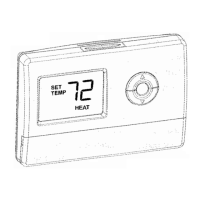
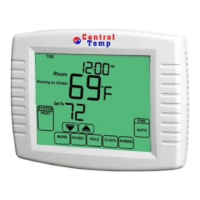
CT2001 Touchscreen Programmable Thermostat
Table 10. Troubleshooting. (CONTINUED)
Heat does not turn on (Heat On is solid in
the display).
Heating equipment failure.
Check for 24VAC at the equipment on
the secondary side of the transformer
between power and common. If voltage
is not present, check the heating
equipment to find the cause of the
problem.
Check for 24VAC between the heat
terminal (W) and transformer common. If
24VAC is present, the thermostat is
functional. Check the heating equipment
to find the cause of the problem.
Loose or broken wire connection
between thermostat and heating
equipment.
Check for 24VAC between the heat
terminal (W) and transformer common. If
voltage is not present, check wire
connection (loose or broken) between
the thermostat and the heating
equipment.
Cooling does not turn on (Cool
On is solid in the display)
Cooling equipment failure.
Check for 24VAC at the equipment on
the secondary side of the transformer
between power and common. If voltage
is not present, check the cooling
equipment to find the cause of the
problem.
Check for 24VAC between the cool
terminal (Y) and transformer common. If
24VAC is present, the thermostat is
functional. Check the cooling equipment
to find the cause of the problem.


 To Next Page