www.cool-icam.com
© 2001 TCG. UK Version 1 0301
Page 10
Insert the CD-ROM disc into the CD-ROM drive and close the CD
ROM draw.
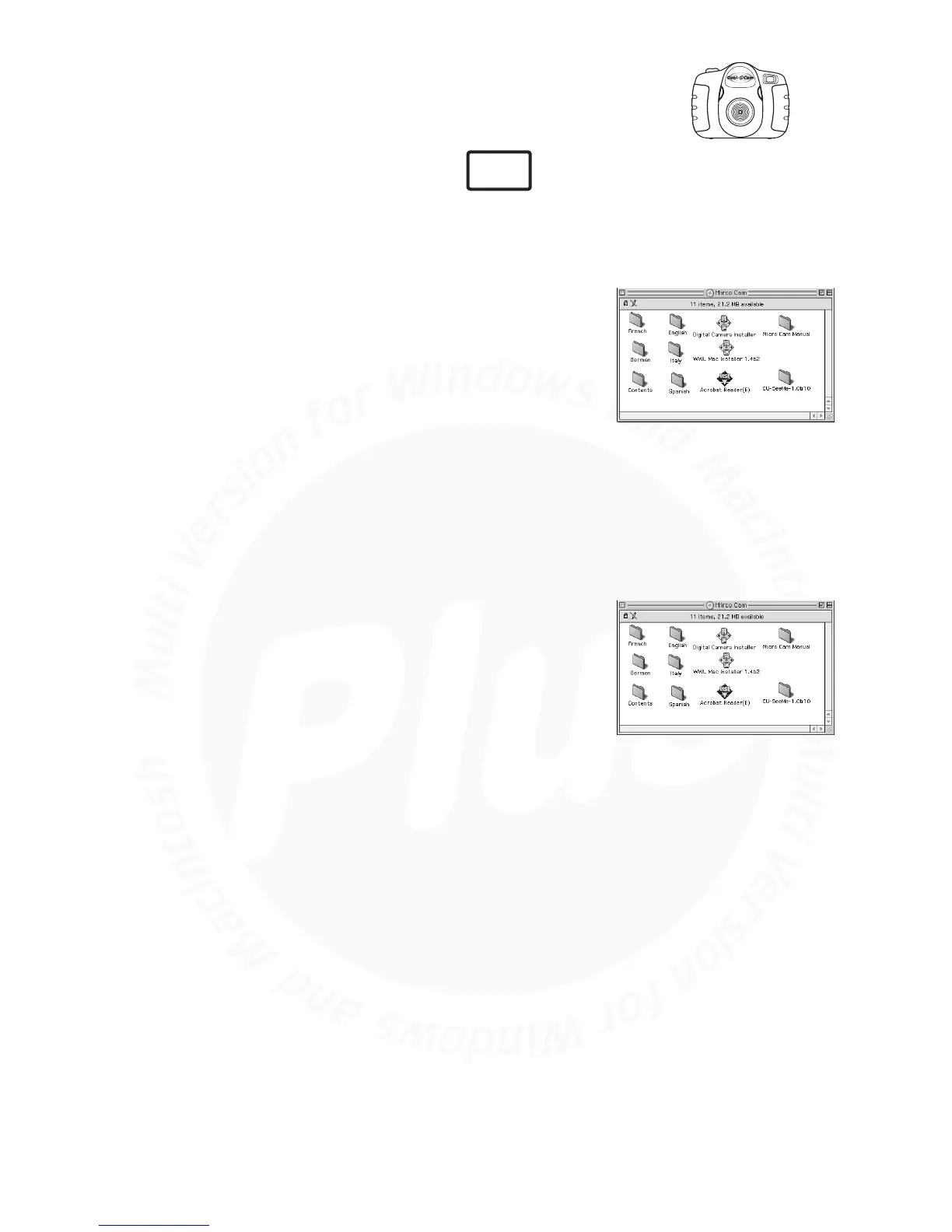
Double click the CD-ROM icon "Cool-iCam Plus".
Double click the “Cu-SeeMe™1.0B10” icon.
Follow the instructions presented on the screen to complete the
installation.
1.
2.
3.
4.
5.7 How to Install Cu-SeeMe™
Insert the CD-ROM disc into the CD-ROM drive and close the CD
ROM draw.
Double click the CD-ROM icon "Cool-iCam Plus".
Double click the “Acrobat® Reader” icon in English folder.
Follow the instructions presented on the screen to complete the
installation.
1.
2.
3.
4.
5.8 How to Install Adobe® Acrobat® Reader
Cu-SeeMe™ started the craze for videochat on the Internet and it's still the most popular, full-featured
software for seeing, hearing and sharing. It can be used over the Internet or any TCP/IP network. With
Cu-SeeMe™, you can make new friends, expand your professional and social networks, find people with
similar interests, watch informative and entertaining cybercast events, and much more.
MAC



 To Next Page