www.cool-icam.com
© 2001 TCG. UK Version 1 0301
Page 30
11.9 How to use ArcSoft™ PhotoPrinter™ 2000
Double click the “PhotoPrinter™” icon from the PhotoPrinter™.
Important! Make sure the “Cool-iCam Plus” CD-ROM is in the CD-
ROM Drive.
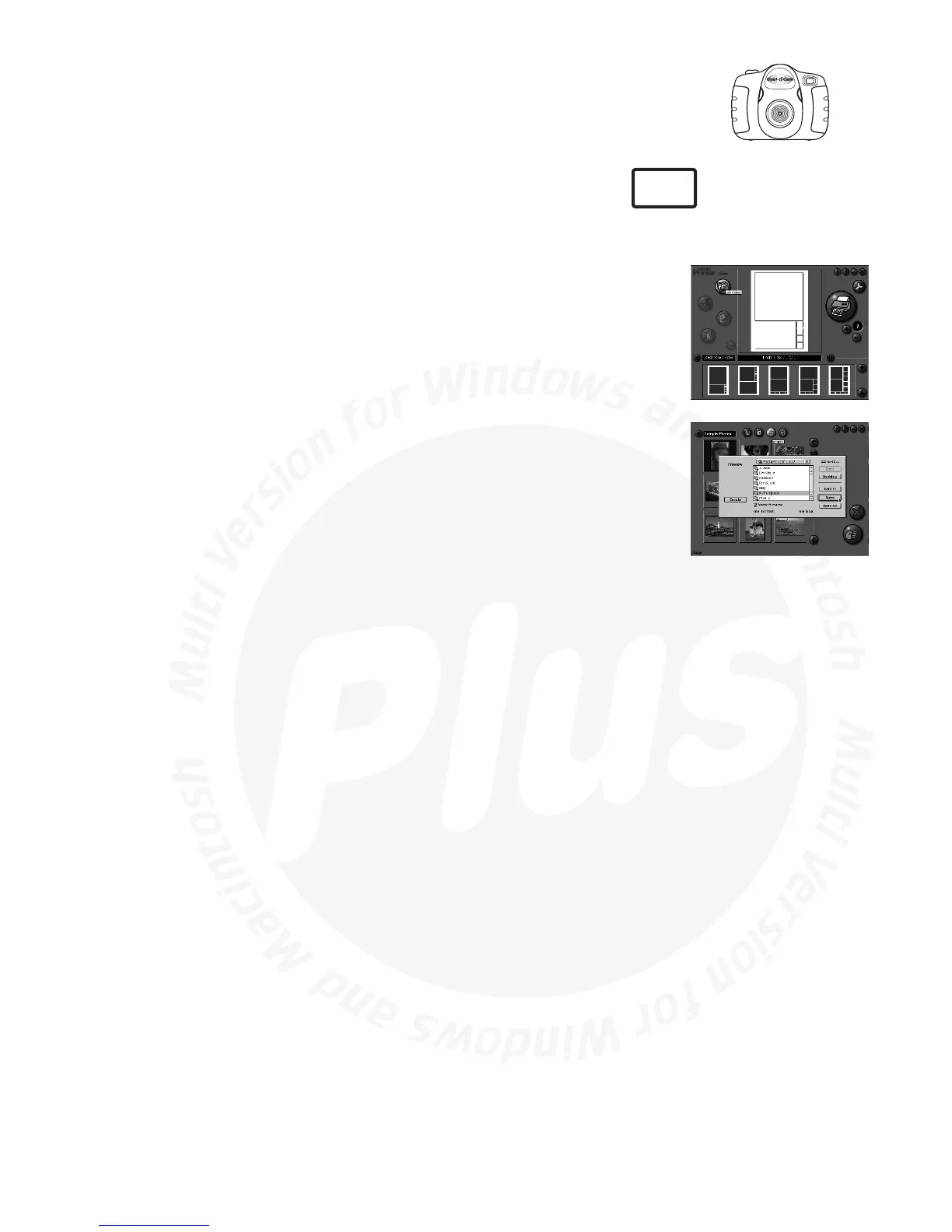
Choose the “Page Layout”. The selected page layout will on shown on the
right panel.
Click “Get Photo” and then “add photo”. Find the image you want which
you have already saved in your hard disk and click "Open".
The selected images will be shown on the photo library panel. Select the
image you want and click “OK”.
The selected image will be shown on the chosen template. Click “Print”
when finish placing the images.
For further help on how to use ArcSoft™ PhotoPrinter™ 2000, click the “?”
on the top right hand corner to access the Help Topics.
Visit http://www.arcsoft.com for all your FAQ's, tips and technical
support. See Section 12 for more details.
1.
2.
3.
4.
5.
6.
MAC



 To Next Page