10
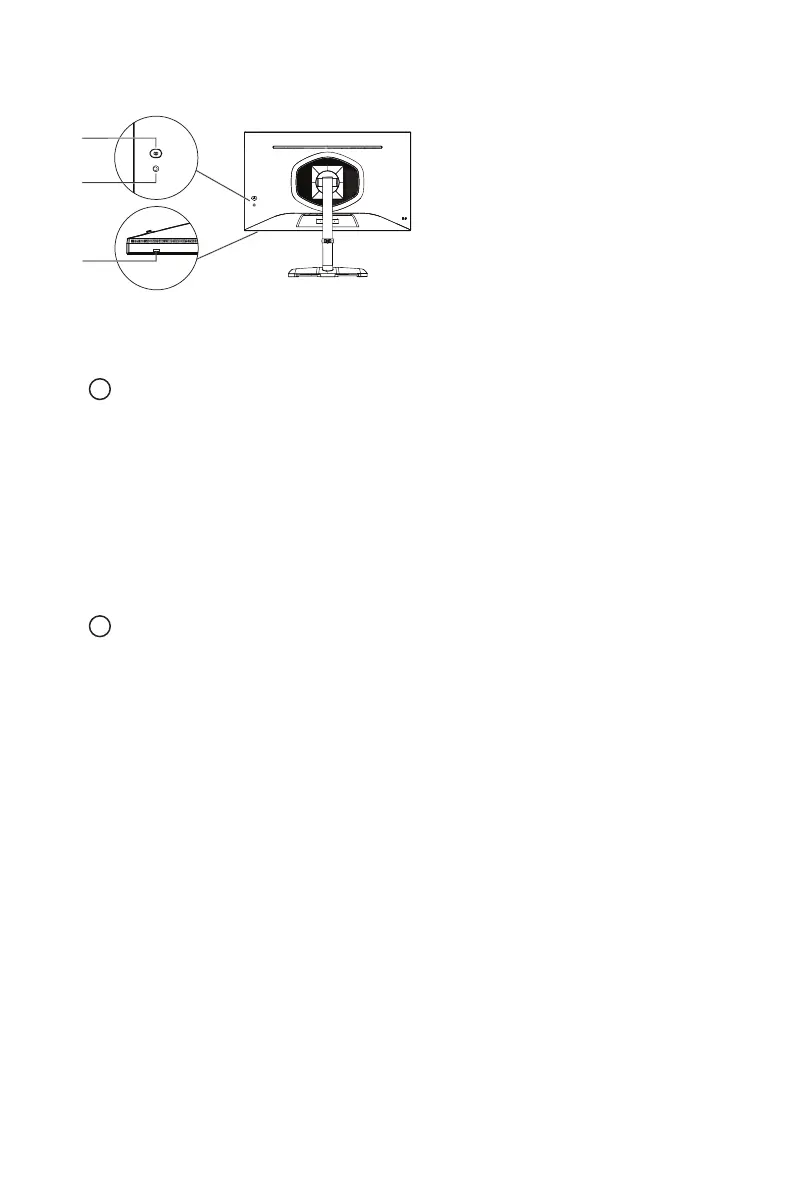
External Control Buttons
Power button
Short press the power button to turn the monitor on or off.
Joystick
Push the joystick up to activate the quick settings menu’s
Input
settings.
Push the joystick down to activate the quick settings menu’s
KVM
function settings.
Push the joystick left to activate the quick settings menu’s
Gaming Plus
settings.
Push the joystick right to activate the quick settings menu’s
Local Dimming
function
settings.
Short press joystick to activate the OSD menu.
When the OSD menu is activated:
Push the joystick up/down/left/right to navigate and adjust settings.
Push the joystick to enter a sub-menu.
Push the joystick left to go back to the previous menu level or to exit the OSD menu.
Power light
Blue: On
Orange: Power Saving















 To Next Page