15
[System]
System
Advanced Settings
Gaming Setup
Color Adjustment
Picture Setting
Input
D
f
HDR
ff S
nc Off1920 x 1080
FPS
60
Sleep
Quick Boot
Power Indicator
Information
Audio
OSD Setup
Language
Off
Off
Level 3
English
z
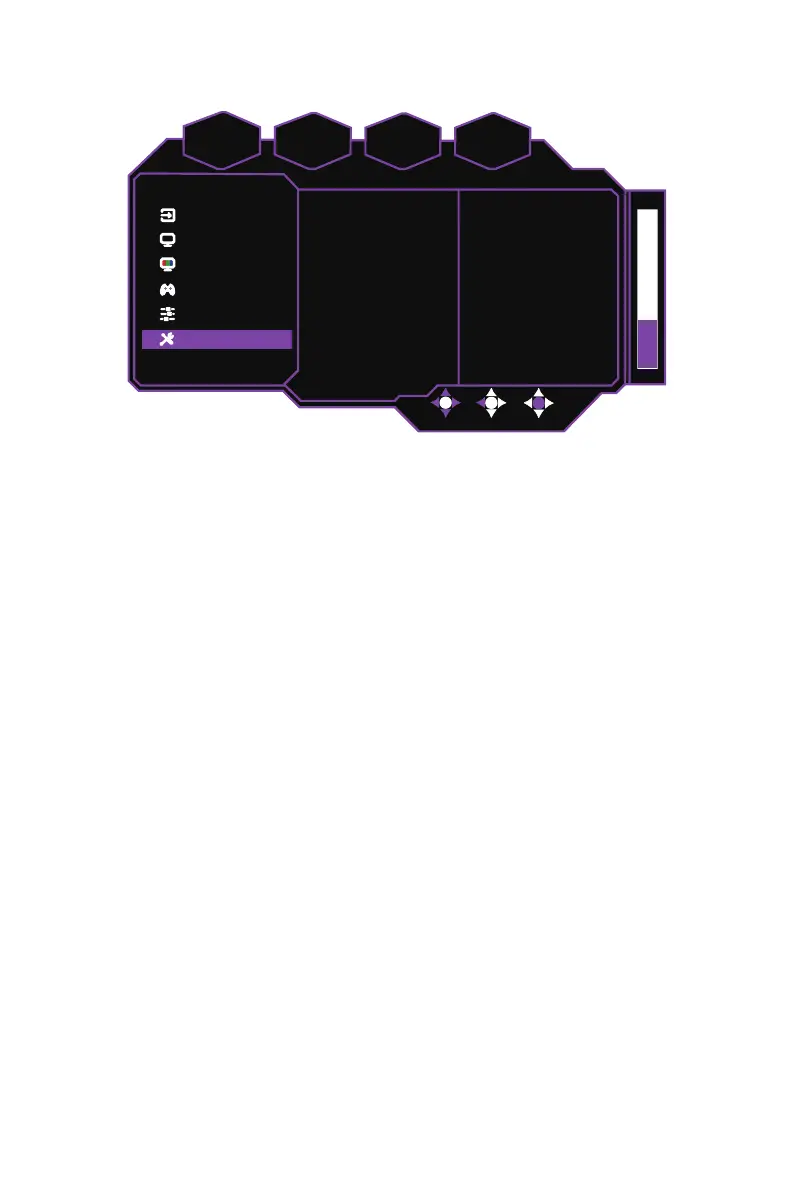
Enter the
System
menu to configure system settings:
Language:
Sets the language to English, Simplified Chinese, Traditional Chinese,
Korean, Japanese, Spanish, French, German, Italian, Vietnamese, Russian, or
Finnish.
OSD Setup:
Adjusts the OSD (On Screen Display) menu display
Position
,
Timeout
,
Transparency
, or enables/disables its lock function
(On / Off)
. If the OSD menu is
locked, push the joystick right and hold for three seconds to unlock it.
Audio:
Mutes or adjusts the volume (0 to 100).
Information:
Shows basic information about the monitor, such as
Resolution
,
Frame
Rate
,
HDR
,
FreeSync
,
H.Frequency
,
Pixel Clock,
Serial Number
, and
Firmware
Version
.
Power Indicator:
Adjusts the power indicator brightness level on the monitor
(Off /
Level 1 / Level 2 / Level 3)
.
Quick Boot:
Enables/Disables the quick boot function which speeds up the monitor’s
boot-up process
(On / Off)
.
Sleep:
Selects the idle time before the monitor enters sleep mode
(30 Minutes / 45
Minutes / 60 Minutes)
.
USB-Upgrade:
Updates the monitor’s firmware version via USB
(Confirm / Cancel)
.
Refer to Updating the Monitor Firmware on page 15 for more information.
Reset:
Resets the monitor to factory settings
(Confirm / Cancel)
.















 To Next Page