14
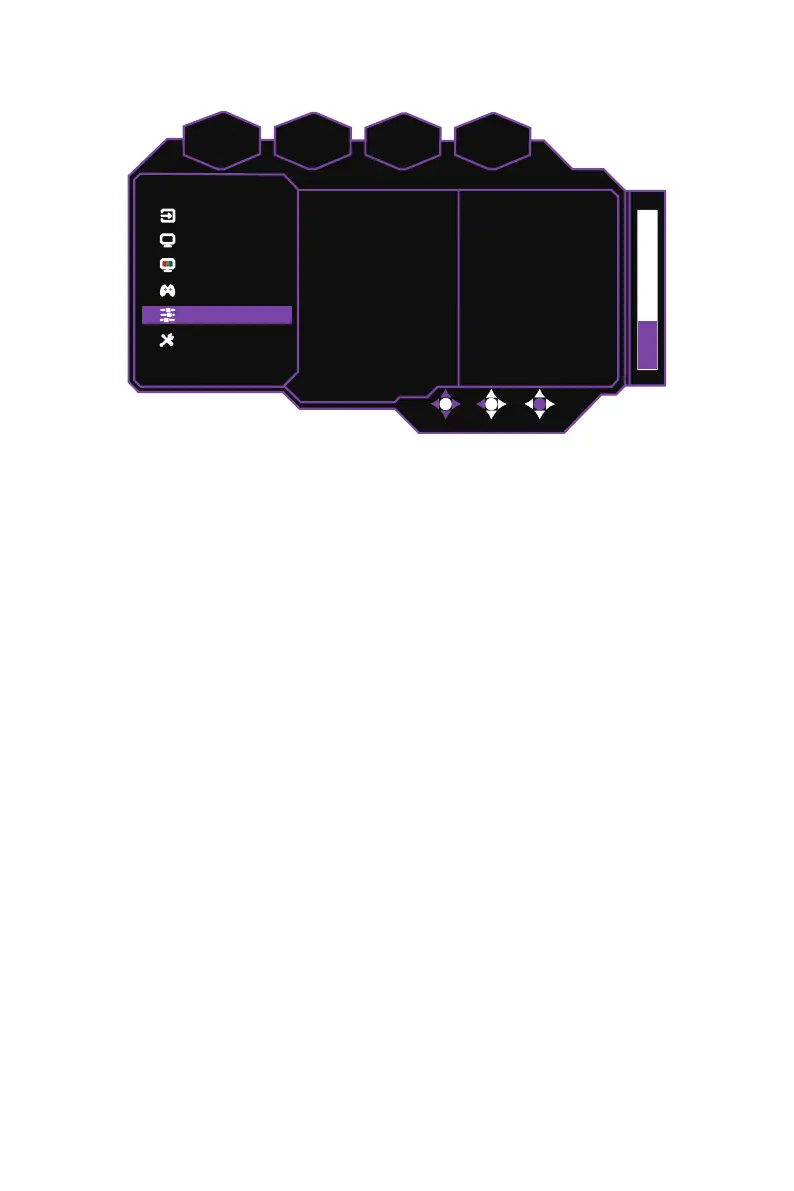
[Advanced Settings]
System
Advanced Settings
Gaming Setup
Color Adjustment
Picture Setting
Input
D
DR
ync
1920 x 1080
FPS
60
Power-Off USB Charge
KVM
HDMI Range
Max Brightness
Local Dimming
HDR
Off
Auto
Full
Off
Off
Off
z
Enter the
Advanced Settings
menu to configure the display’s advanced settings.
HDR:
Configures the monitor’s HDR function
(Off / Auto)
.
Local Dimming:
Adjusts the local dimming function to improve the depth of blacks on
the monitor’s display
(Off / Low / Medium / High)
.
NOTE:
The
Local Dimming
function settings can also be adjusted in the quick
settings menu. Refer to External Control Buttons on page 10 for more information.
Max Brightness:
Enables/Disables the max brightness function to increase the
maximum display brightness of the monitor
(On / Off)
.
HDMI Range:
Adjusts the HDMI Range of the monitor
(Auto / Full / Limited)
.
KVM:
Configures the KVM function to control multiple computers with one keyboard,
monitor and mouse
(Off / USB Up / Type-C / Auto)
.
NOTE:
The
KVM
function settings can also be adjusted in the quick settings menu.
Refer to External Control Buttons on page 10 for more information.
Power-Off USB Charge:
Enables/Disables the power-Off USB charge function to
charge connected devices via USB
(On / Off)
.















 To Next Page