11
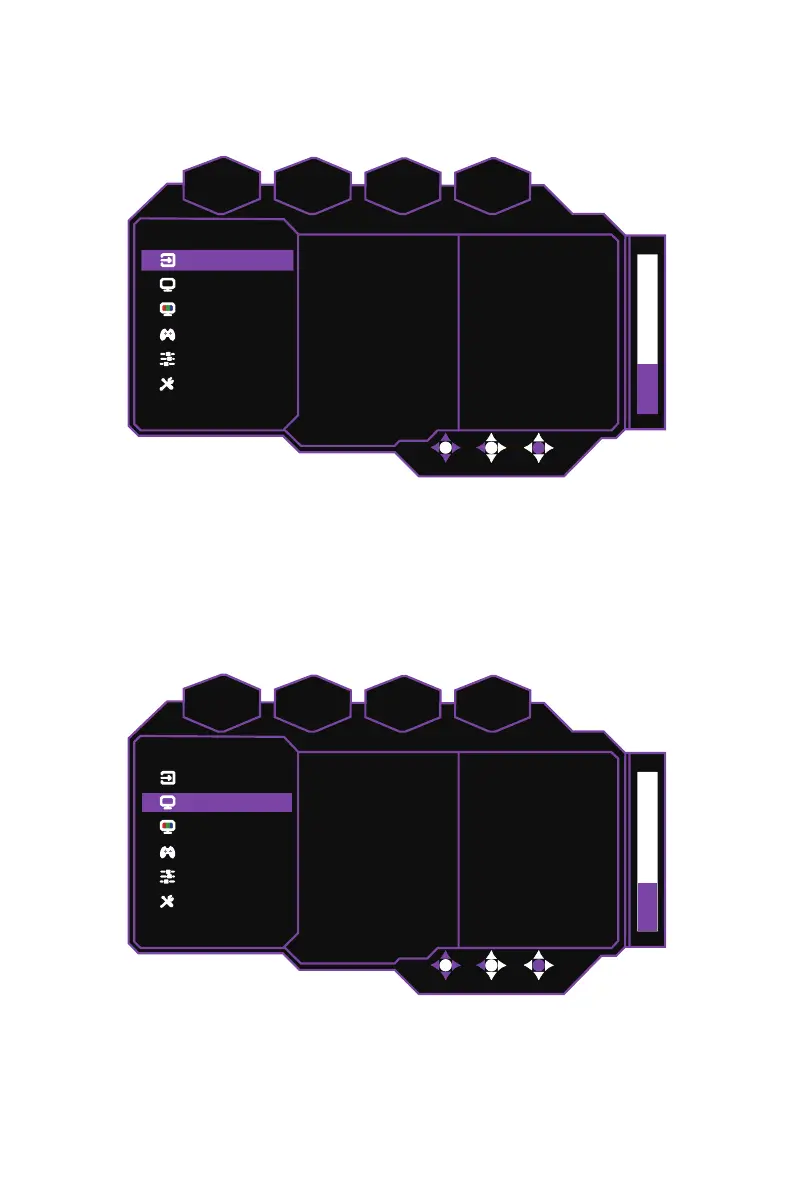
Main Menu
[Input]
System
Advanced Settings
Gaming Setup
Color Adjustment
Picture Setting
Input
D
f
HDR
ff
nc Off1920 x 1080
FPS
60
HDMI2
HDMI1
DP
Type-C
z
Enter the
Input
menu to switch the input signal.
Type-C:
Sets the input signal source to the Type-C port.
DP:
Sets the input signal source to the DP port.
HDMI 1:
Sets the input signal source to the HDMI 1 port.
HDMI 2:
Sets the input signal source to the HDMI 2 port.
NOTE:
The
Input
settings can also be adjusted in the quick settings menu. Refer to
External Control Buttons on page 10 for more information.
[Picture Setting]
System
Advanced Settings
Gaming Setup
Color Adjustment
Picture Setting
Input
D
f
HDR
ff S
nc Off1920 x 1080
FPS
60
Sharpness
As
ect Rati
Black Stabilization
Contrast
Brightness
Picture Mode
50
F
ll
50
50
90
Standard
z
Enter the
Picture Setting
menu to configure image settings.
Picture Mode:
Enter the
Picture Mode
menu to adjust different picture modes.
a. Standard:
Enables the standard picture mode.
b. User1:
Provides customized options for user experience.
c. User2:
Provides customized options for user experience.















 To Next Page