13
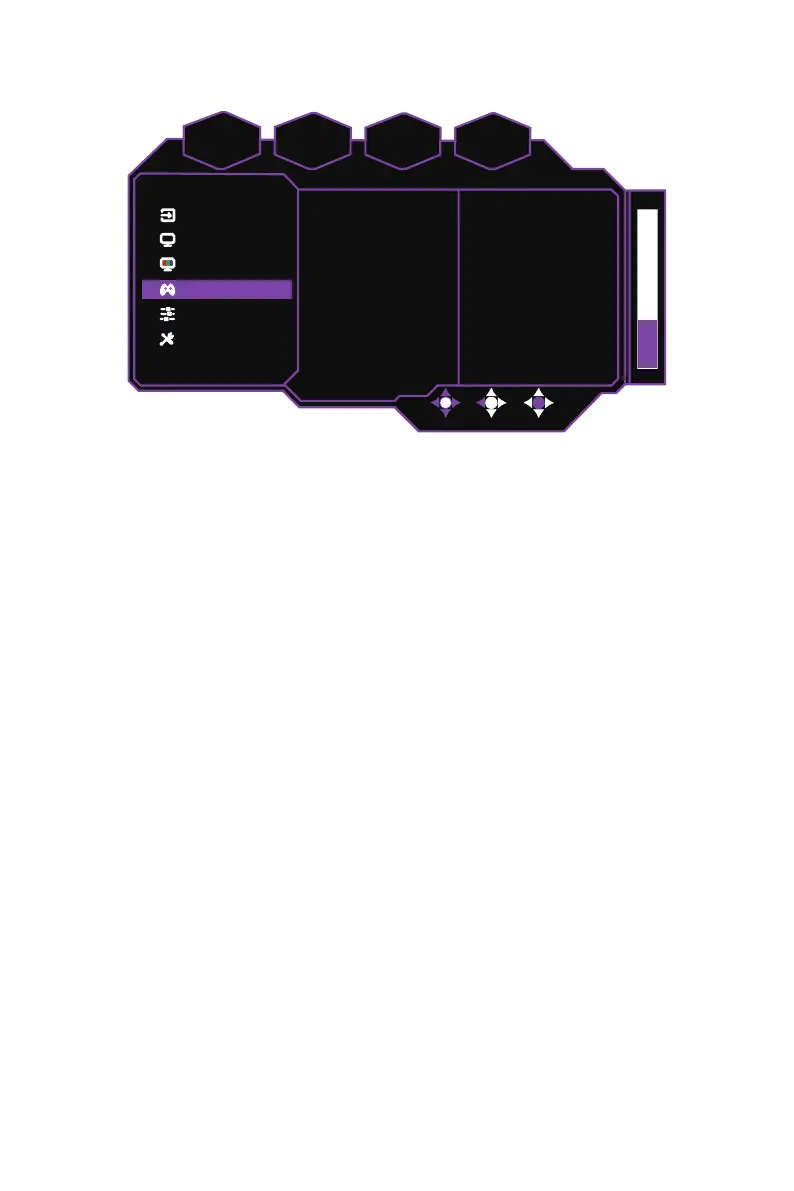
[Gaming Setup]
System
Advanced Settings
Gaming Setup
Color Adjustment
Picture Setting
Input
D
HDR
nc
1920 x 1080
FPS
60
Gaming Plus
Ultra Low Latency
Over Drive
FreeSync
On
Off
Off
z
Enter the
Gaming Setup
menu to adjust gaming settings.
FreeSync:
Enables/Disables the FreeSync technology which is supported by AMD’s
graphic cards
(On / Off)
.
Over Drive:
Configures the over drive function which makes the display’s pixels
transition colors faster
(Off / Normal / Advanced / Ultrafast / Dynamic / User)
.
Ultra Low Latency:
Enables/Disables the Ultra Low Latency function which helps
speed up image processing
(On / Off)
.
Gaming Plus:
Configures the monitor’s
Timer
,
Crosshair
and
FPS Counter
functions on the monitor.
NOTE:
The
Gaming Plus
settings can also be adjusted in the quick settings menu.
Refer to External Control Buttons on page 10 for more information.
MPRT:
Configures the MPRT (Moving Picture Response Time) function which
reduces picture motion blur
(Off / Low / Medium / High)
.















 To Next Page