35
No. Component Description
1 Stream
Connection
Settings
Configure live-stream and exter nal recording information here:
Server 1 & 2:
: disable stream.
: enable stream.
You can stream to two platforms simultaneously* if you enable
both Server 1 & 2.
For the stream key field, an eye icon will be shown. Tap to
toggle between and :
represents invisible stream key.
represents visible stream key.
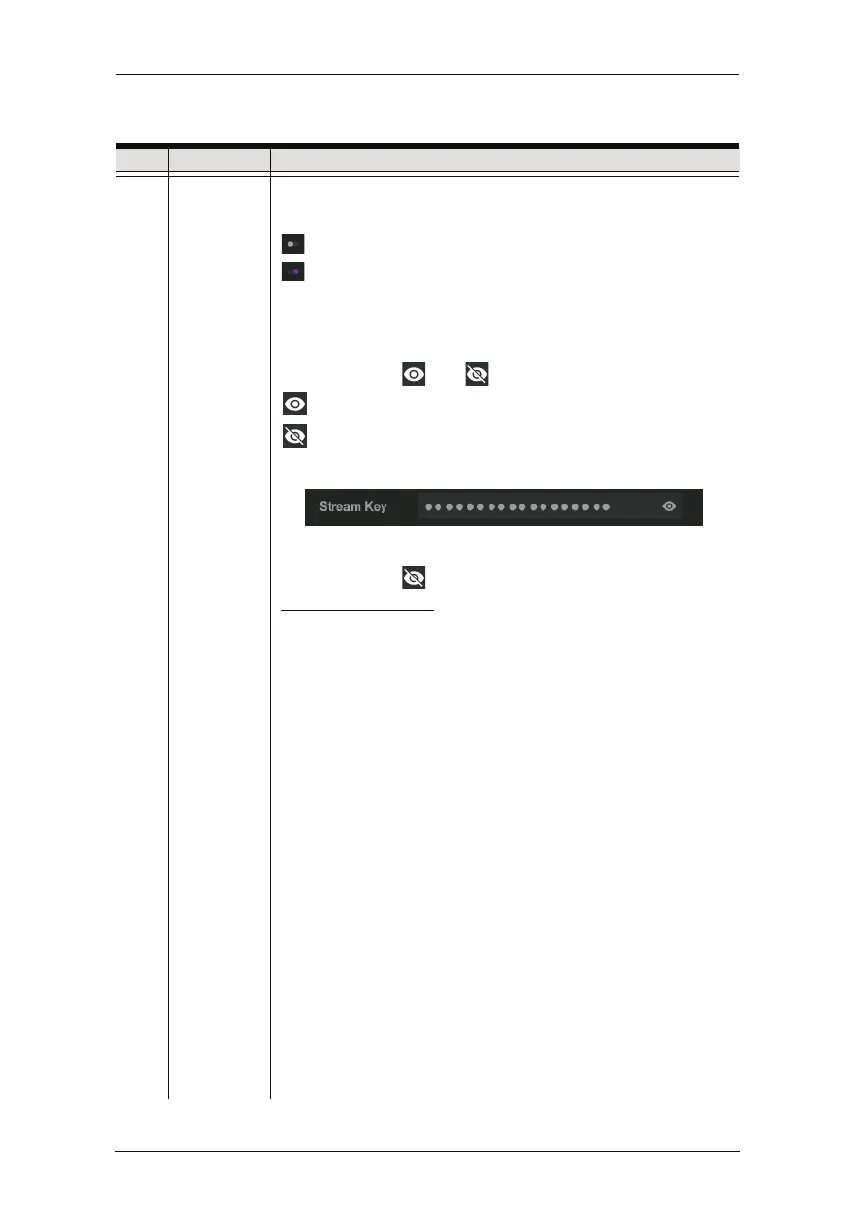
An example of visible stream key is shown:
If you wish to paste a copied stream key into the field, make
sure it is visible .
URL and Stream Key: Obtain the URL and Stream Key from the
platform(s) you wish to livestream on and put them into their
corresponding fields.
An example URL and Stream Key is shown in Live-streaming
on Facebook & Youtube below.
Detailed configuration of your live-streaming / video recording
software / platform is not within the scope of this user manual
,
please refer to the software / platform’s instruction guide /
manual.
Chapter 6. StreamEnjin App & Settings



 To Next Page