StreamEnjin User Manual
36
2 Network
Settings
Choose your preferred network configuration methods.
DHCP : The network automatically assigns IP address and the
corresponding fields.
Manual : If you are in a place where you are unable to utilize the
DHCP method, you will need to get the settings, possibly from
IT, and input them into each field here manually.
3 Stream
Output
Settings
Transition Period : This is the scene transitioning delay for the
Auto button (on the app or on the unit). Choose between 0.3
and 3 seconds. (Refer to Transition Control on page 4 for the
Auto button behavior)
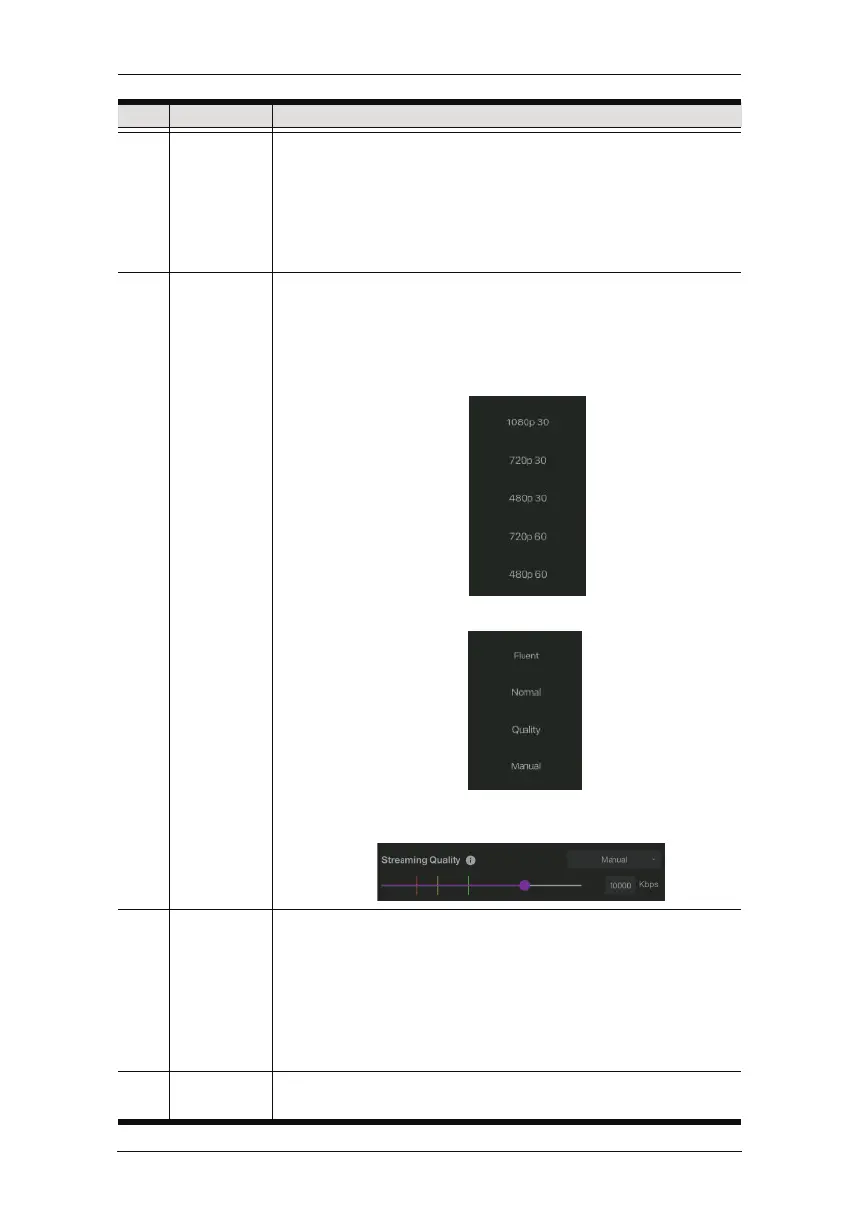
Streaming Resolution
: Select your stream resolution from one
of the following:
Streaming Quality
: Select the quality from one of the following.
If manual is selected, the quality slider will light up and you can
tap and drag the slider to a desired stream quality.
4 Others Pause Picture : Pause picture is the display when the
streaming is paused. You can select black, the pause logos, or
upload your own custom logo.
Audio Delay : If you are experiencing audio delays (due to
network or other reasons), you can adjust this slider, in
milliseconds, to sync the audio with the video.
Video System
: Click to select the video system of your choice.
5 Reset to
default
Tap to reset the device to factory default settings.
No. Component Description



 To Next Page