Weekly Test Weekly Test
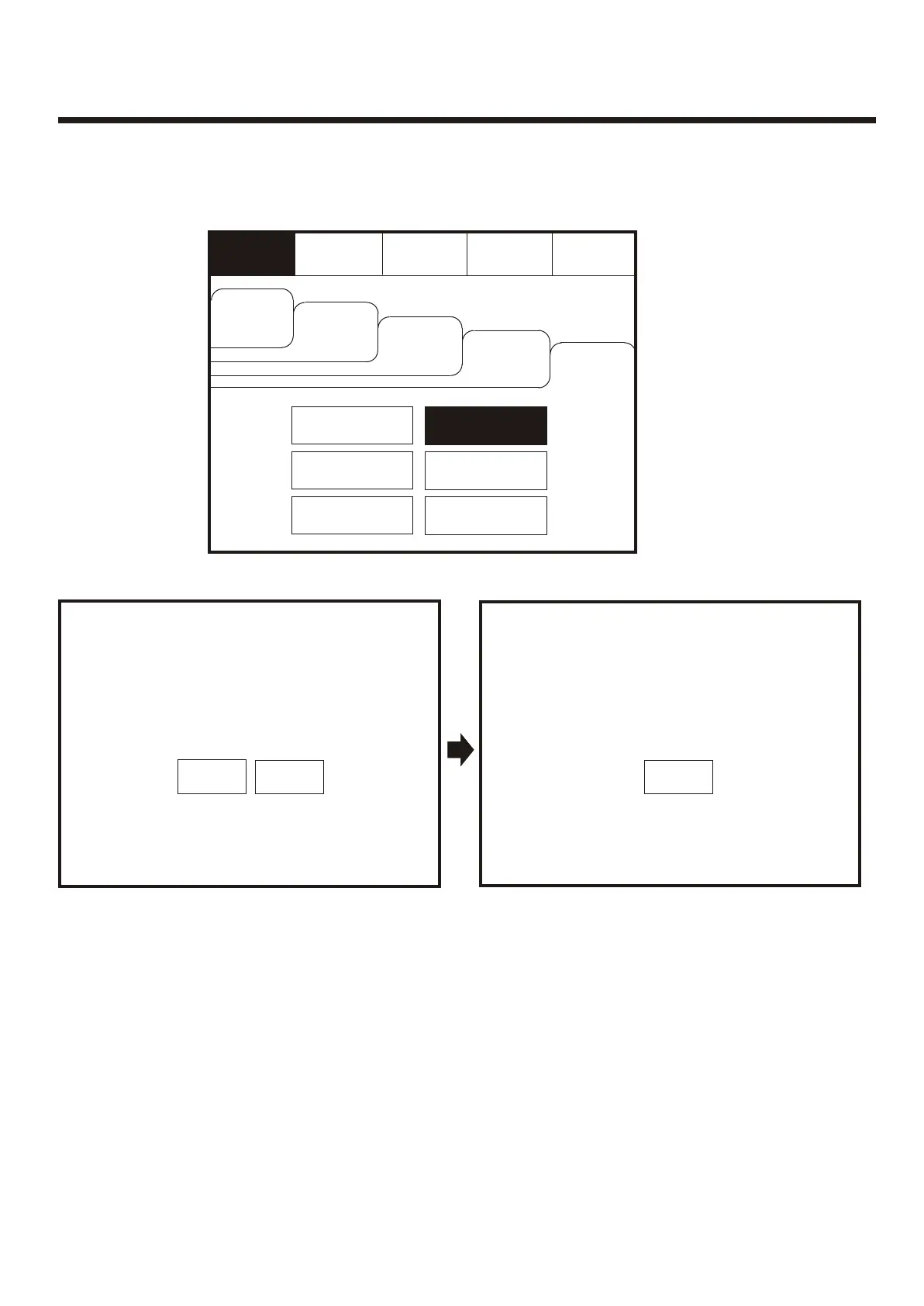
To activate the touch screen, touch the top left corner of the screen until the screen
illuminates. To enter the supervisor mode touch the supervisor button and enter the
passcode. Select the others tab as shown below. Press Weekly test.
To activate the touch screen, touch the top left corner of the screen until the screen
illuminates. To enter the supervisor mode touch the supervisor button and enter the
passcode. Select the others tab as shown below. Press Weekly test.
EvacuateEvacuate
Silence
Alarms
Silence
Alarms
Mute
Buzzer
Mute
Buzzer
ResetReset
Supervisor
FRE off
Supervisor
FRE off
OthersOthers
Enable/DisableEnable/Disable
View LogView Log
Check
Auto Config.
Check
Auto Config.
PrintPrint
Lamp testLamp test
View Fires
AC = 19
View Fires
AC = 19
Pre
Alarms
Pre
Alarms
DisabledDisabled
FaultsFaults
Weekly TestWeekly Test
Weekly test is now in progress. Weekly test is now in progress.
The panel will automatically return to the system healthy screen once the weekly test has been
completed.
The panel will automatically return to the system healthy screen once the weekly test has been
completed.
Weekly test
Do you want to continue?
Weekly test
Do you want to continue?
Feature is outside EN54 SpecFeature is outside EN54 Spec
YesYes
NoNo
Weekly test
Awaiting Alarm Signal
Weekly test
Awaiting Alarm Signal
Will reset after 4 minutes Will reset after 4 minutes
CancelCancel
48



 To Next Page