Global Flashing LED On/OffGlobal Flashing LED On/Off
Service
FRE Off
Service
FRE Off
ConfigureConfigure
CommissionCommission
TestTest
Global flashing LED on/of Global flashing LED on/of
FlashingFlashing
OffOff
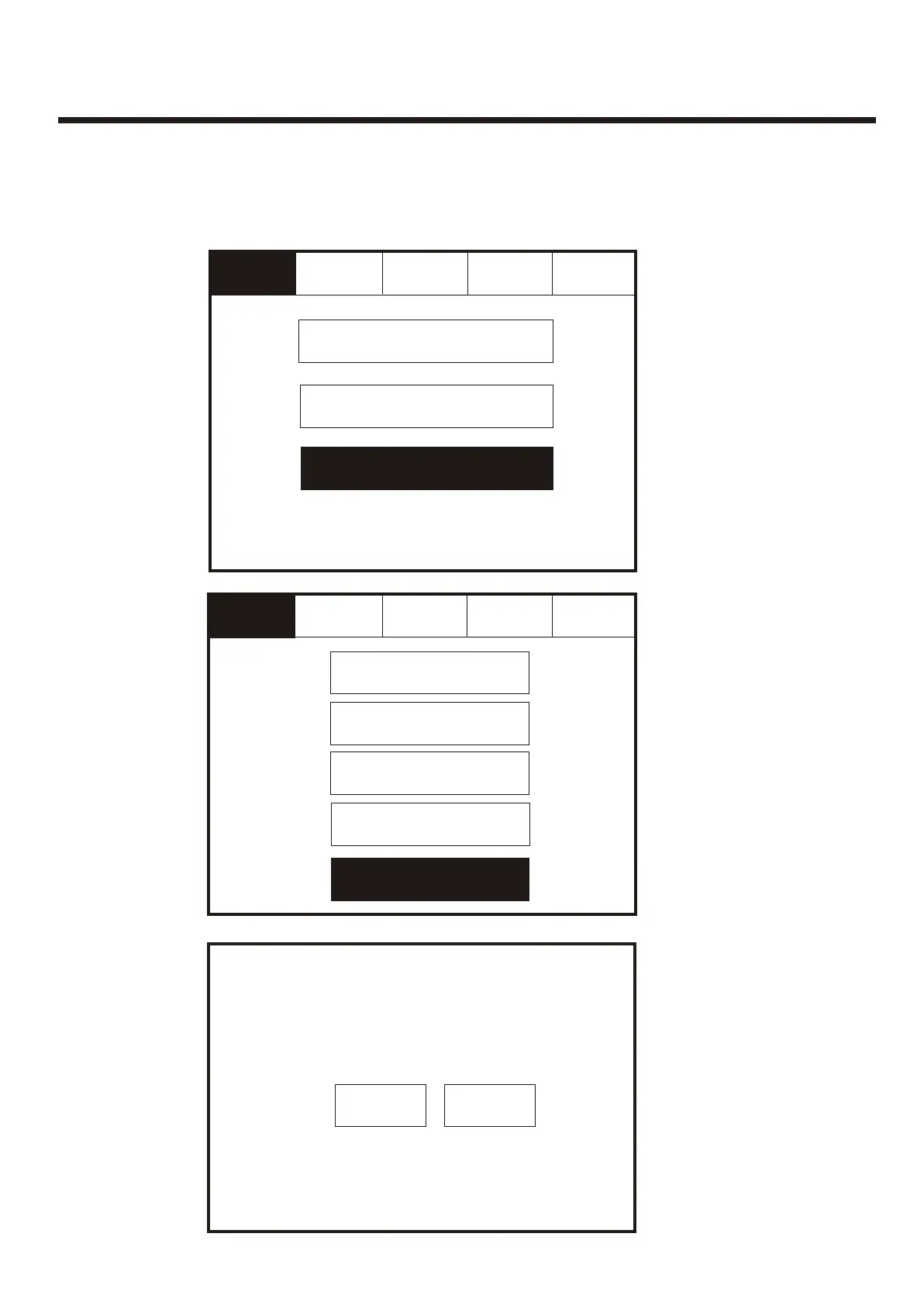
Enter the Service Mode and Select Test. Enter the Service Mode and Select Test.
Select “Global Flashing
LED On/Off” from the
Test Menu Screen.
Select “Global Flashing
LED On/Off” from the
Test Menu Screen.
To activate the touch screen, touch the top left corner of the screen until the screen
illuminates. To enter the supervisor mode touch the supervisor button and enter the
service passcode.
To activate the touch screen, touch the top left corner of the screen until the screen
illuminates. To enter the supervisor mode touch the supervisor button and enter the
service passcode.
Service
FRE Off
Service
FRE Off
Global Flashing LED On/Off
ExitExit
ExitExit
Mute
Buzzer
Mute
Buzzer
Mute
Buzzer
Mute
Buzzer
Reset Reset
Reset Reset
One Man Walk Test
Test Device
Test Zone
Sound Level Test Mode
If global LED flashing is
set to on, all device
LED’s will pulse
intermittently to confirm
correct communication.
If global LED flashing is
set to on, all device
LED’s will pulse
intermittently to confirm
correct communication.
55



 To Next Page