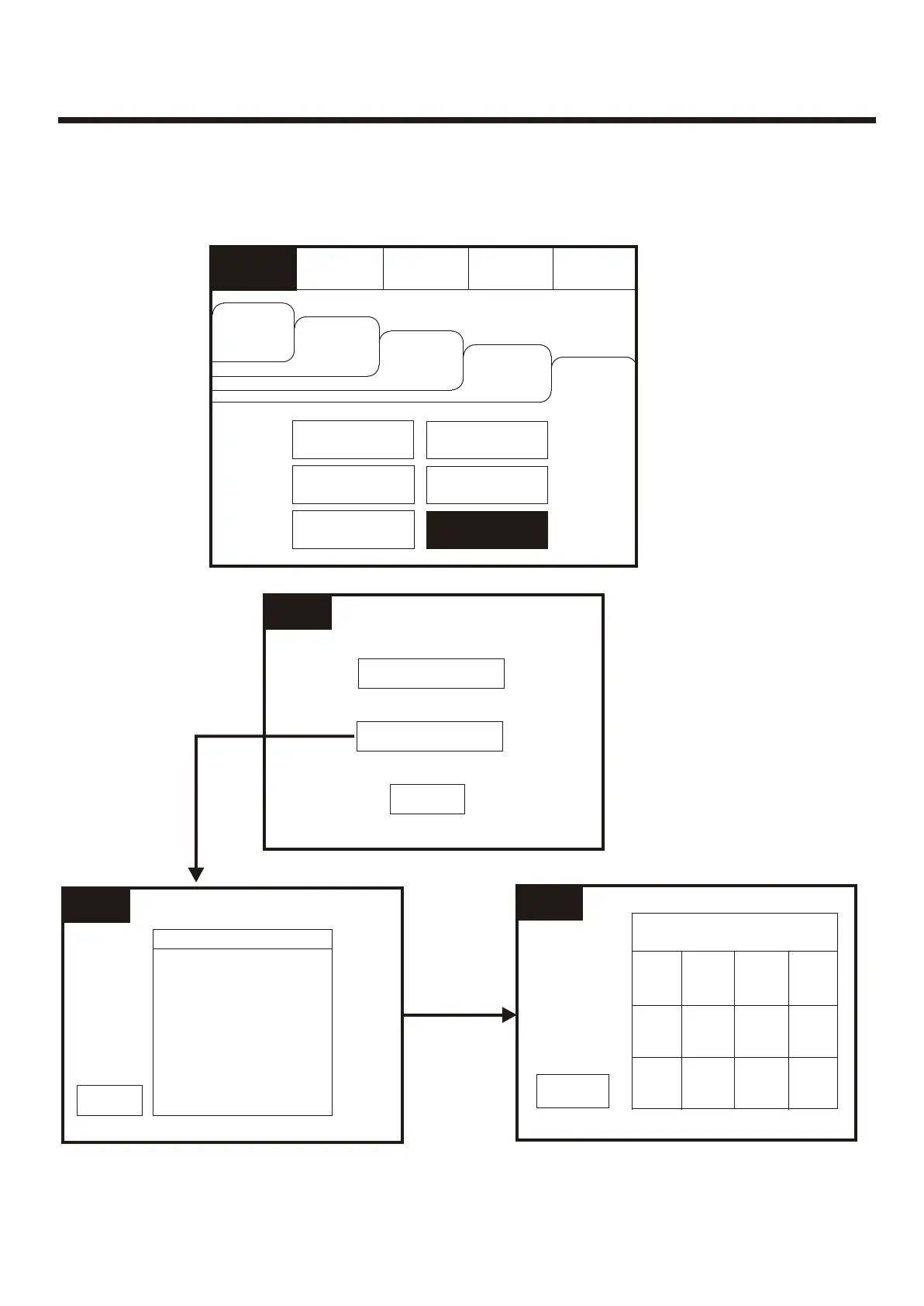
Replace DeviceReplace Device
Supervisor
FRE Off
Supervisor
FRE Off
Loop 1
Loop 2
Loop 1
Loop 2
Select a LoopSelect a Loop
ExitExit
11
00
22
33
Enter Loop 1 AddressEnter Loop 1 Address
Supervisor
FRE Off
Supervisor
FRE Off
ExitExit
44
DelDel
OkOk
55
66
77
88
99
ExitExit
Check Auto ConfigCheck Auto Config
Replace DeviceReplace Device
Supervisor
FRE Off
Supervisor
FRE Off
EvacuateEvacuate
Silence
Alarms
Silence
Alarms
Mute
Buzzer
Mute
Buzzer
ResetReset
Supervisor
FRE off
Supervisor
FRE off
OthersOthers
PrintPrint
Change DeviceChange Device
Fires
AC = 0
Fires
AC = 0
View Pre
Alarms
View Pre
Alarms
Disabled
Disabled
Faults
Faults
Weekly TestWeekly Test
Enable/DisableEnable/Disable
View LogView Log
Check
Auto Config.
Check
Auto Config.
Replace device enables an existing device to be replaced with a new device without
losing the existing text and sounder programming.
Replace a single device then use use the replace device menu to allocate an existing
address to the new device
51



 To Next Page