17
Using as a Router
The Coredy CX-E120 WiFi Range Extender also can be
used as a Router.
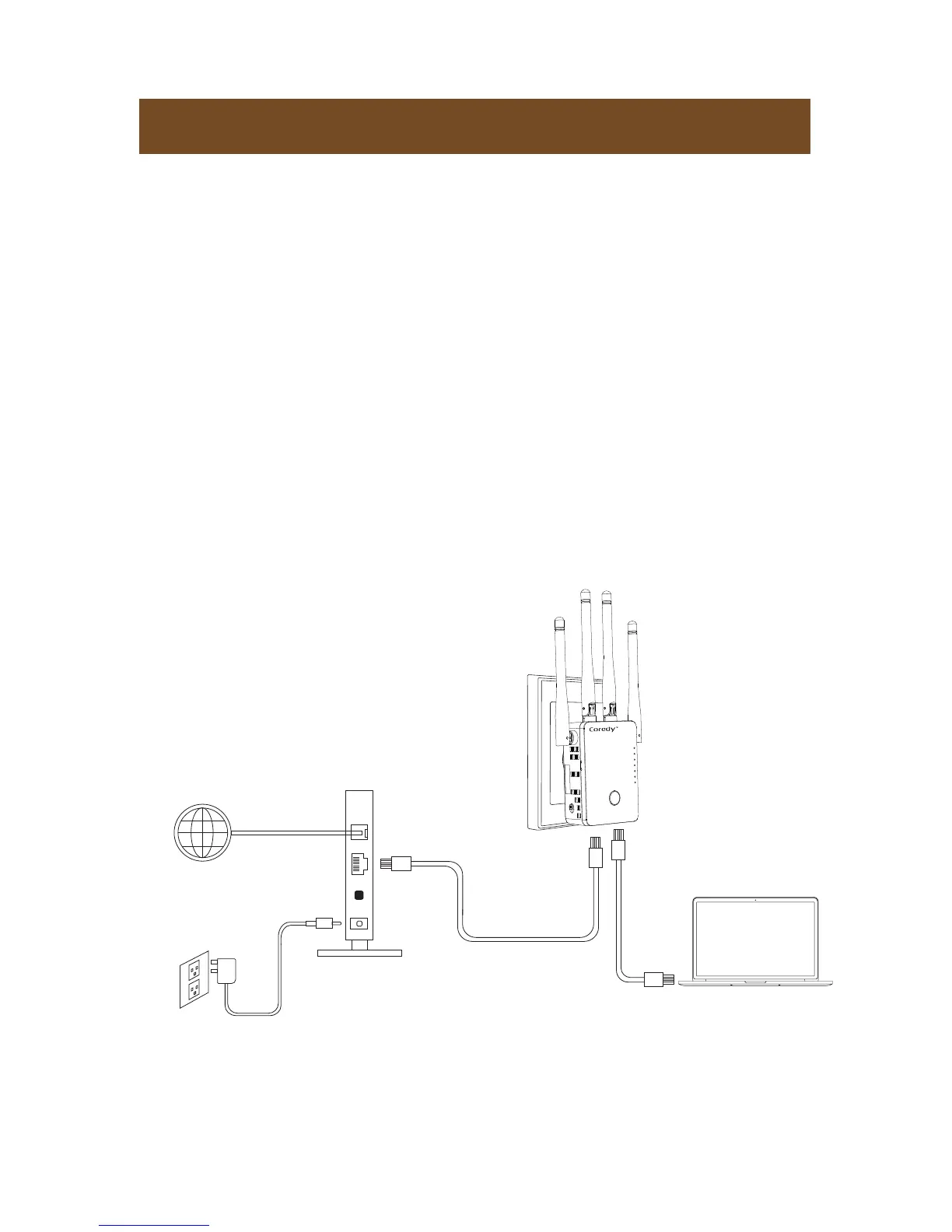
1. Prepare your modem unplug your modem's power. If it
has a battery backup, remove the battery.
2. Connect your modem, plug in your modem, Put the
battery back in. Then cable the modem to the blue WAN
port on the router.
3. Power on the router, turn the Power On/Off button to
“On” and Mode Switch Button to “Router” on the side of
the router, plug the router into an electrical outlet.
4. Connect a computer, you can use an Ethernet cable or
connect with WiFi.
Modem
Power adapter
WAN Port
Ethernet cable
Ethernet cable
Internet
DSL or Cable
WiFi
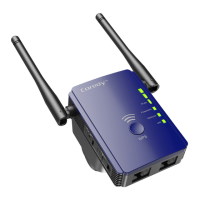
WPS
WAN/LAN
LAN
POWER


 To Next Page