07
Turn the Power On/Off button to “On” and Mode
Switch Button to “Repeater” on the side of the
extender, plug the extender into an electrical outlet,
place your extender in the same room as your WiFi
router.
Proximity to the WiFi router is required only during the
initial setup process.
Power on the Extender
1
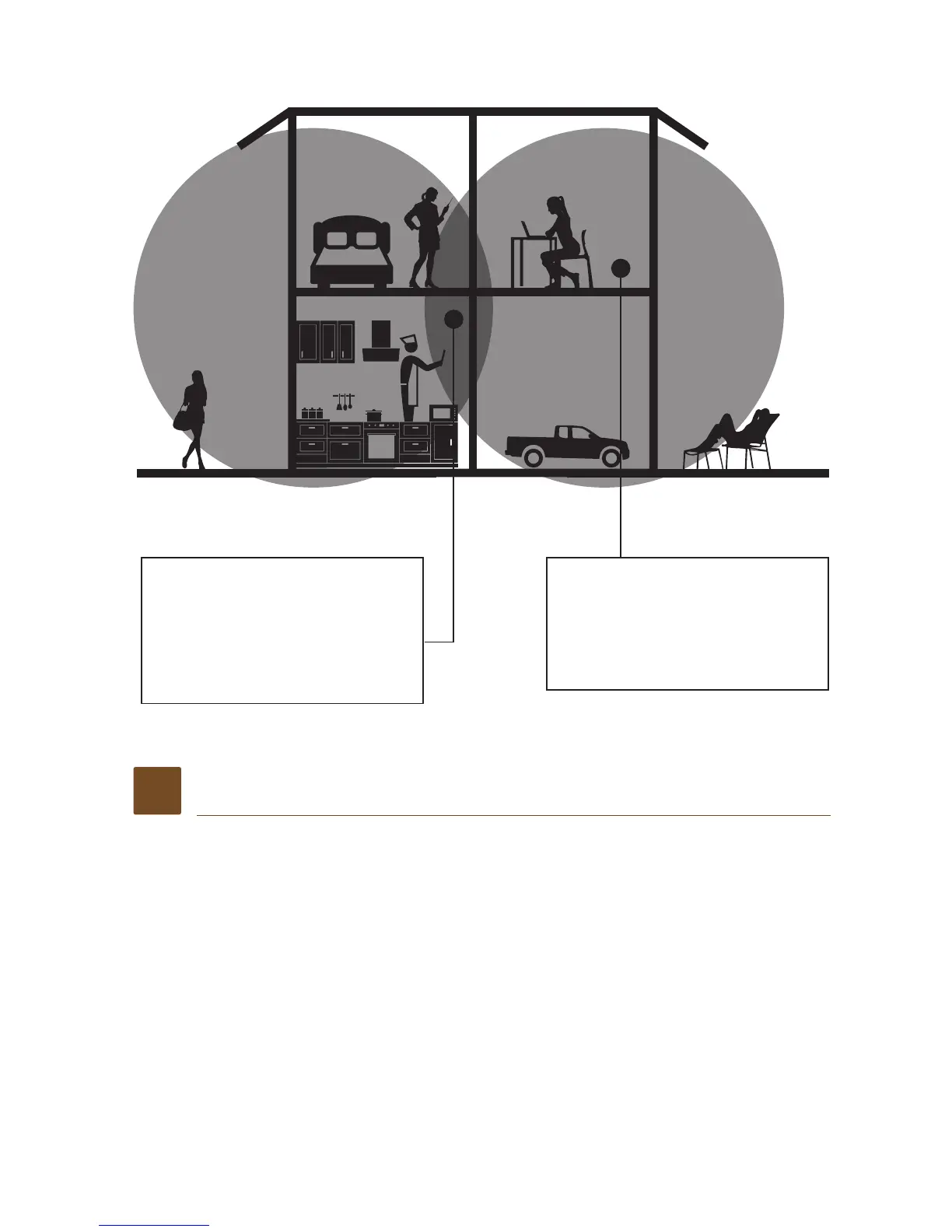
Boosts the range of your
existing WiFi and creates
a stronger signal in hard
to reach areas.
WiFi Range Extender
sometimes your router
does not provide the WiFi
coverage you need
Existing WiFi


 To Next Page