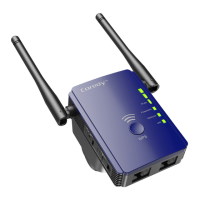
Preparing....................................................................
Setup Process............................................................
Web-Browser Method..............................................
WPS - Method.........................................................
Overview.....................................................................
Using as a Extender...................................................
When to Use Your Extender.....................................
How the Extender Works.........................................
Power on the Extender.............................................
Connect to an Existing WiFi Network.......................
Method 1: Connect with a web browser...............
Method 2: Connect with WPS..............................
Connect an Ethernet-Enabled Device......................
Using as a Access Point............................................
Cable Your AP...........................................................
Using as a Router.......................................................
Change the Extender Settings..................................
To change the admin password...............................
To set up the time of Extender..................................
Save/Reload your Extender setting.........................
Update the Router Firmware....................................
Hide extender's wireless network.............................
TROUBLESHOOTING.................................................
1
1
1
2
3
6
6
6
7
8
8
11
13
14
15
17
21
21
21
22
23
24
25
User Manual
Quick Installation Guide


 To Next Page