09
2.
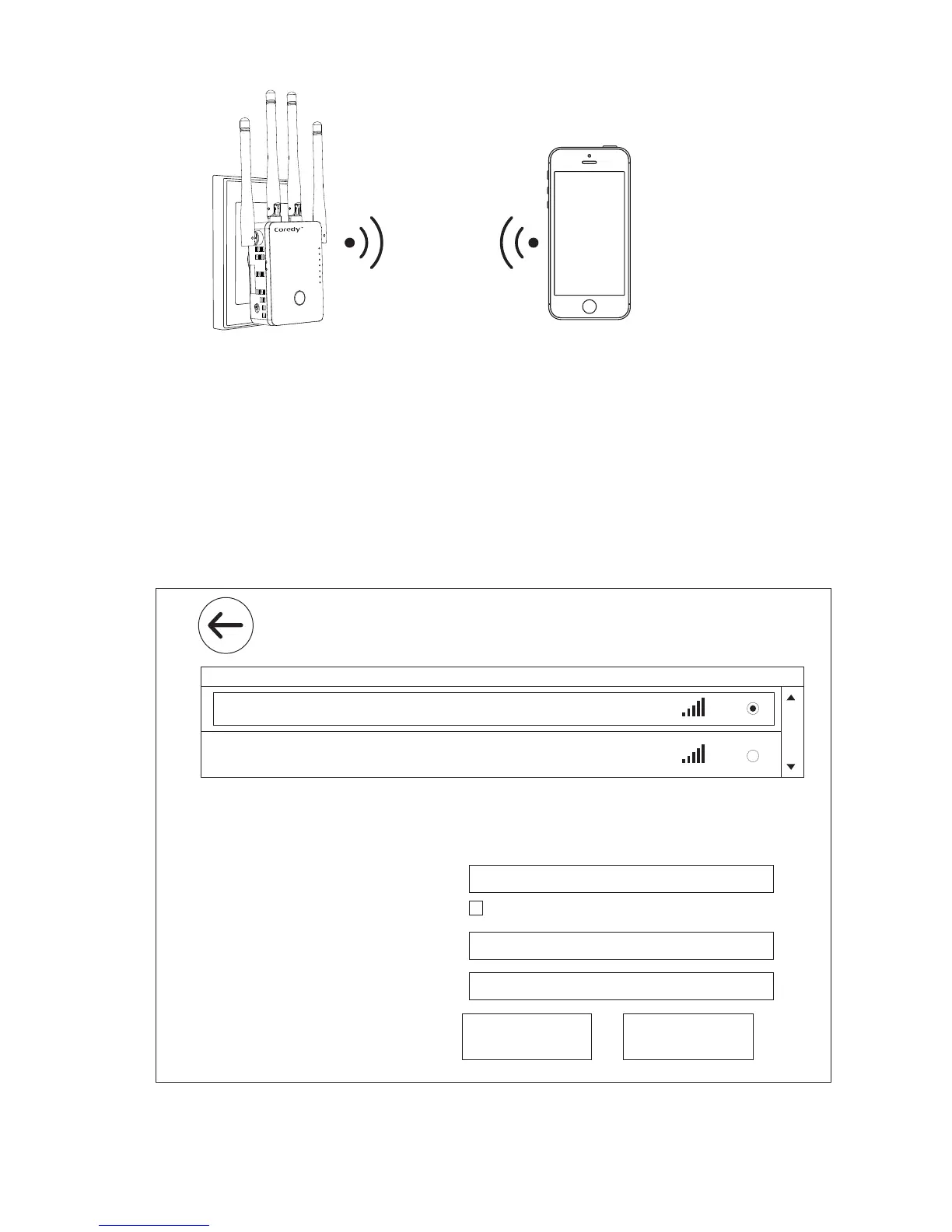
Launch a web browser, enter http://192.168.10.1/ or
http://ap.setup/ in the address field of the web browser,
when prompted, enter admin for the user name and
admin for the password, both in lowercase letters.
3.
Click the Repeater in the Mode Wizard field.
4.
Click the Select button to choose a WiFi network to extend
Wireless Repeater Mode
SSID
Your Target Network Name
David
Connect to Your Target Network Name
Hide Password
WiFi Key
Apply
Important: Enter exactly the samepassword/key as your target Router
6
11
WPA2-PSK
WPA2-PSK
Channel Security
Signal
Select
Coredy CX-E120_2.4G_EXT
2.4G SSID
Coredy CX-E120_5G_EXT
5G SSID
Refresh
Password of WiFi Network
WiFi
WPS
WAN/LAN
LAN
POWER


 To Next Page