Viper Installation Manual
© 2008-2015, Cornelius Inc. - 17 - Publication Number: 621260373INS
CONTROL PANEL OVERVIEW
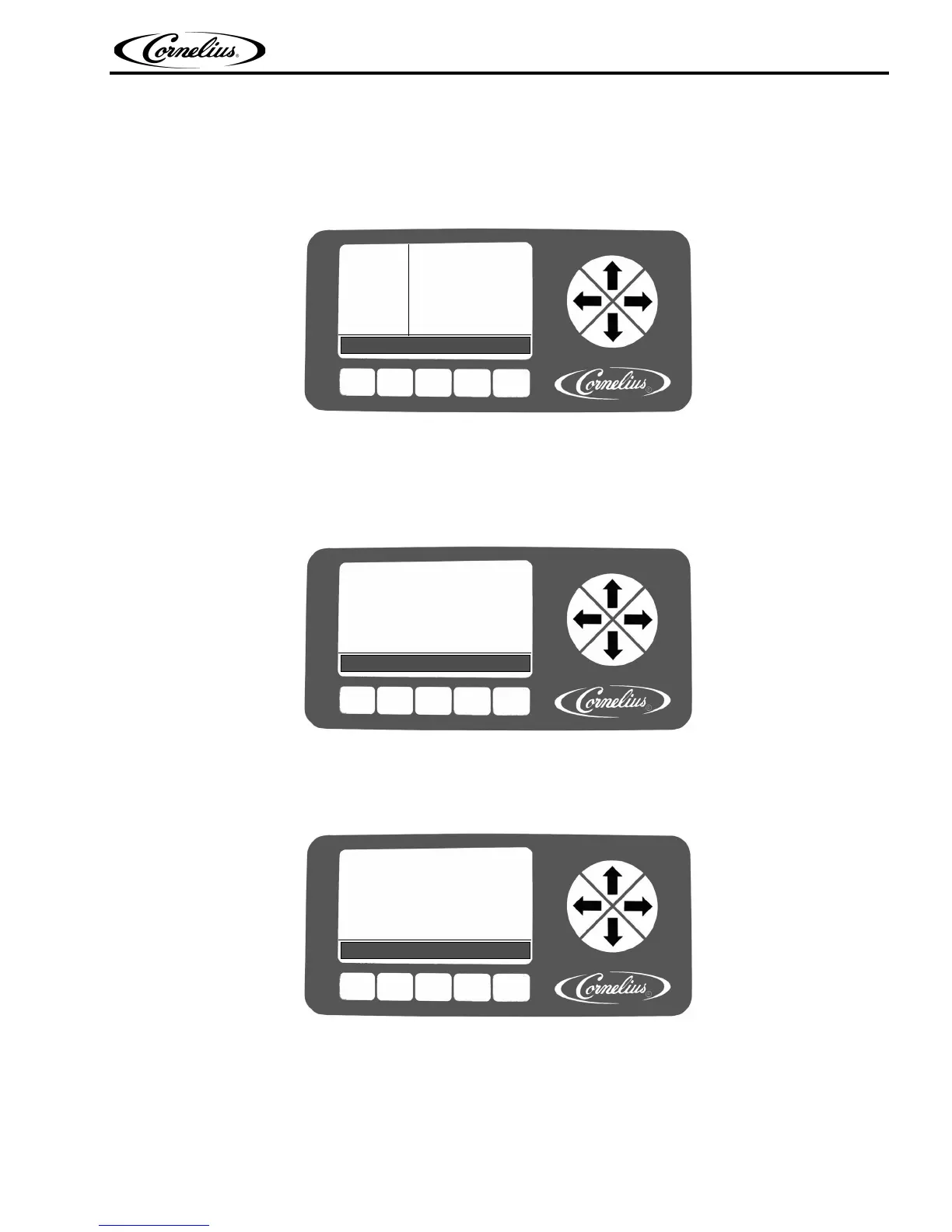
Behind the merchandiser is the control panel which includes the LCD display, shown in Figure 15. This panel controls all the
functions of the unit including defrost cycles,
viscosity control, sensing of supply pressures and the incoming line voltage as
well as other functions and features.
BARREL
STATUS
12:51P
MAR 04
#1 FREEZE 65
#2 FREEZE 96
MENU OFF ON DFRST SPIN
Figure 15.
SETTING UP THE CONTROL PANEL
When the unit is initially powered up, the Main Check menu, shown in Figure 16 is displayed.
INITIALIZING
PLEASE STAND BY
FLASH:
EEPROM:
Figure 16.
The software runs tests on the flash memory and the EEPROM. If they pass, PASS is displayed to the right of the appropriate
line and the system displays the System Check State screen, shown in Figure 17.
SW REV
UI 000.003
I/O 000.002
MOTOR 000.001
STATUS 000.001
Figure 17.
Once the System Check State verification is complete, the display automatically displays the Barrel Status menu. This is the
normal or home screen for the system when the unit is running properly. It shows the status of all barrels in the system, as
shown in Figure 18 During initial power up, the barrel status is off, ind
icating that the unit is in idle mode, with refrigeration off,
product delivery off and the barrel motor off.












 To Next Page