Viper Installation Manual
© 2008-2015, Cornelius Inc. - 35 - Publication Number: 621260373INS
Security Menu
The security is enabled at the factory before shipping the Unit. It is recommended that security be remains enabled after
installation.
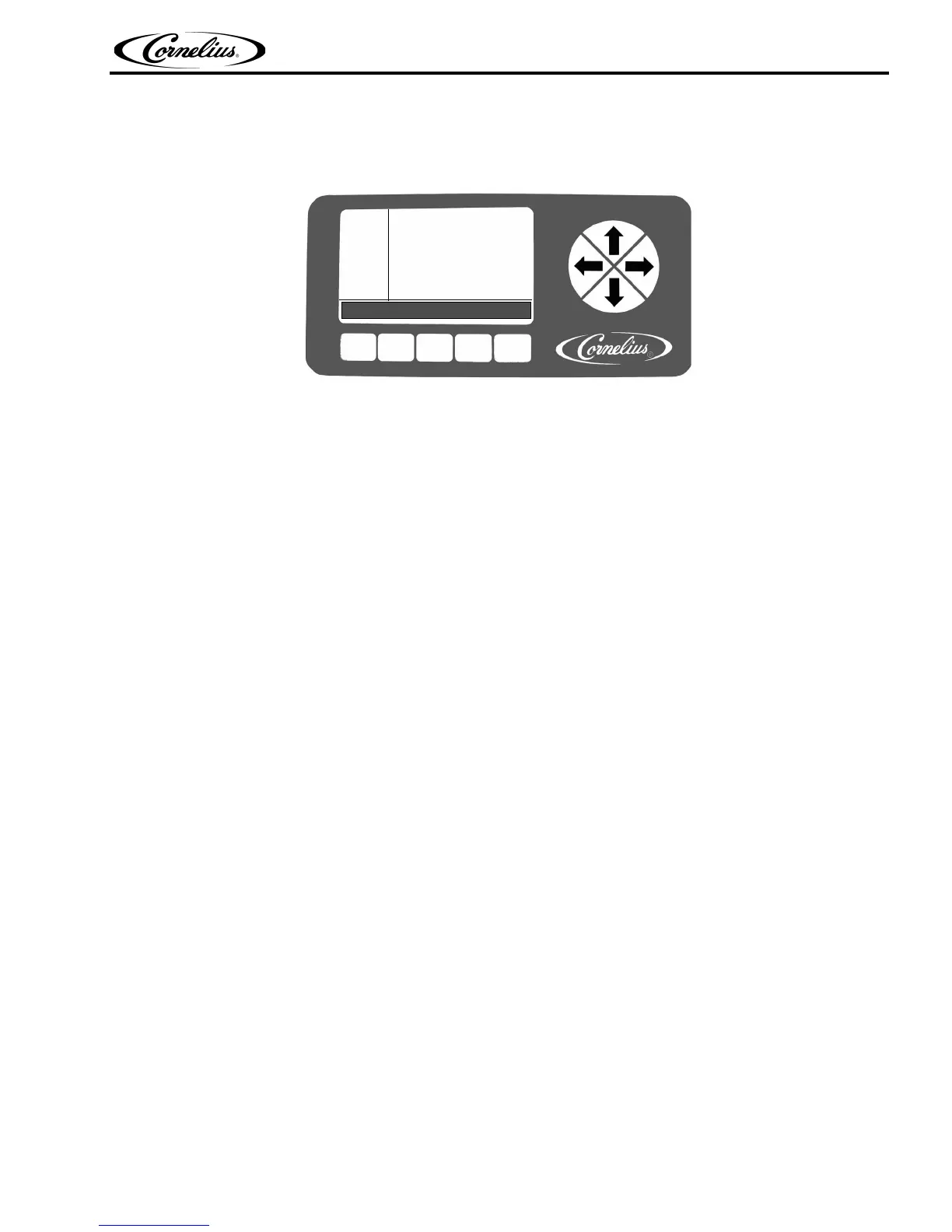
Figure 33.
Security Disabling: System security is located on the System menu. It allows a supervisor or service technician to keep
unauthorized personnel from accessing the Maintenance menu. This feature is activated on the System menu. When security
is turned on, users can only access the Main and Setup menus. The word LOCKED appears in the upper left corner of the
display to inform users that security is enabled.
Pressing the extreme Left and Right buttons (Buttons 1 and 5) on the bottom of the display simultaneously and holding them
for approximately five (5) seconds unlocks the Security menu. If security is left ON, on the System menu, when the system
times out or when the user goes back to the Main menu, security is reactivated and the Maintenance menu is not accessible.
To disable security, access the System menu, highlight Security and press the OFF button.
SYSTEM
12:51P
MAR 04
# OF BARREL 2
# OF COMPRESSOR 1
BACK OFF ON
SECURITY OFF












 To Next Page