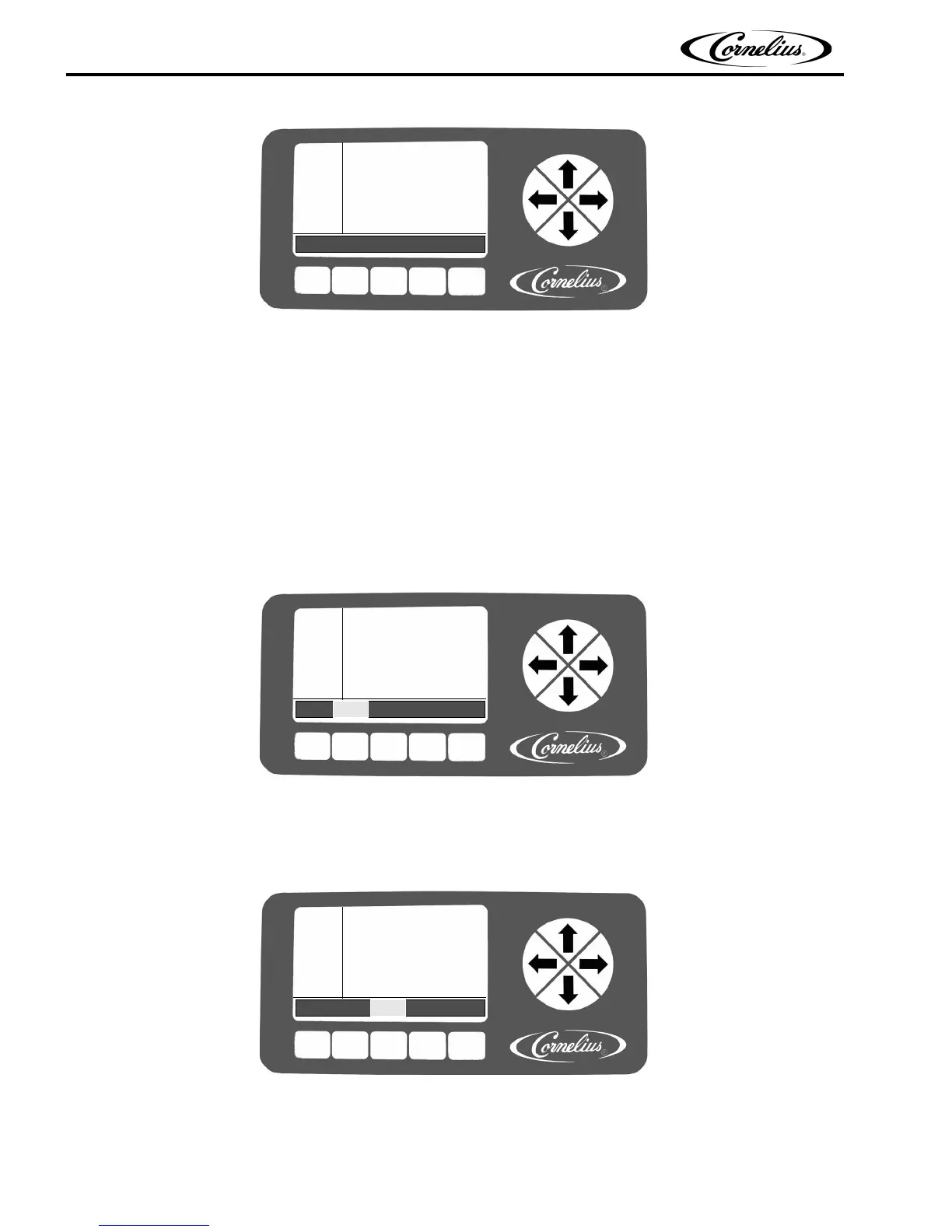
BARREL
STATUS
12:51P
MAR 04
#1 OFF
#2 OFF
MENU OFF ON DFRST SPIN
Viper Installation Manual
Publication Number: 621260373INS - 18 - © 2008-2015, Cornelius Inc.
Figure 18.
From this screen, all the other screens may
be accessed. The following procedures are required for initial setup of the unit.
• Set the Options
• Set the Clock
• Set the Sleep and Wake Times
• Set the Viscosity
Setting the System Options
The first items that should be set are the formatting options. These formatting options are located in the Option Setup menu.
To access the Option Setup menu, press the MENU button on the Barrel Status menu. This displays the MAIN menu, shown
in Figure 19 . Then press the SETUP button to display the Op
tion Setup menu, shown in Figure 20.
SELECT
12:51P
MAR 04
UNIT DATA
ERROR STATUS
ERROR LOG
BACK MAIN SETUP MAINT GO
.
Figure 19
Use the up and down arrows on the right side of the control panel to move between the various choices on the display. When
the OPTION SETUP selection is highlighted, press the GO button to access the menu. The Option Setup menu (Figure 20) is
displayed.
SELECT
12:51P
MAR 04
CLOCK SETUP
EVENTS SETUP
VISC SETUP
BACK MAIN SETUP MAINT GO
OPTION SETUP
Figure 20.
Setting the Clock
Highlight the CLOCK SETUP field from the Select menu, shown in Figure 20 This displays the Clock Setup menu, shown in
Figure 21 To set the time, perform the procedure in Table 5.



 To Next Page