Standard Recommended Procedure 003-794-AEN | Issue 14 | March 2020 | Page 11 of 27
4.6 (OPTIONAL) Remove Housing Trunk Plate
If cable entry strain-relief is accomplished in a location external to the housing, the trunk plate may be removed
to allow more room behind the housing (Figure 16).
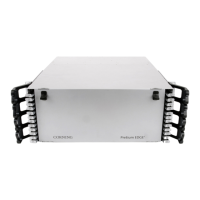
Step 1: (For 4U housing only) Remove side panel from each side of the housing.
Step 2: Remove any screws holding the access panels to the housing.
Step 3: Remove any screws holding the trunk plate to the housing.
Figure 16 — Remove Back Deck


 To Next Page