MOBILTEX® DATA LTD.
Calgary, Alberta
www.corTalk.com
TITLE: RMU1 Installation and Configuration Guide
DOCUMENT NO.:
RMU1-MAN-001
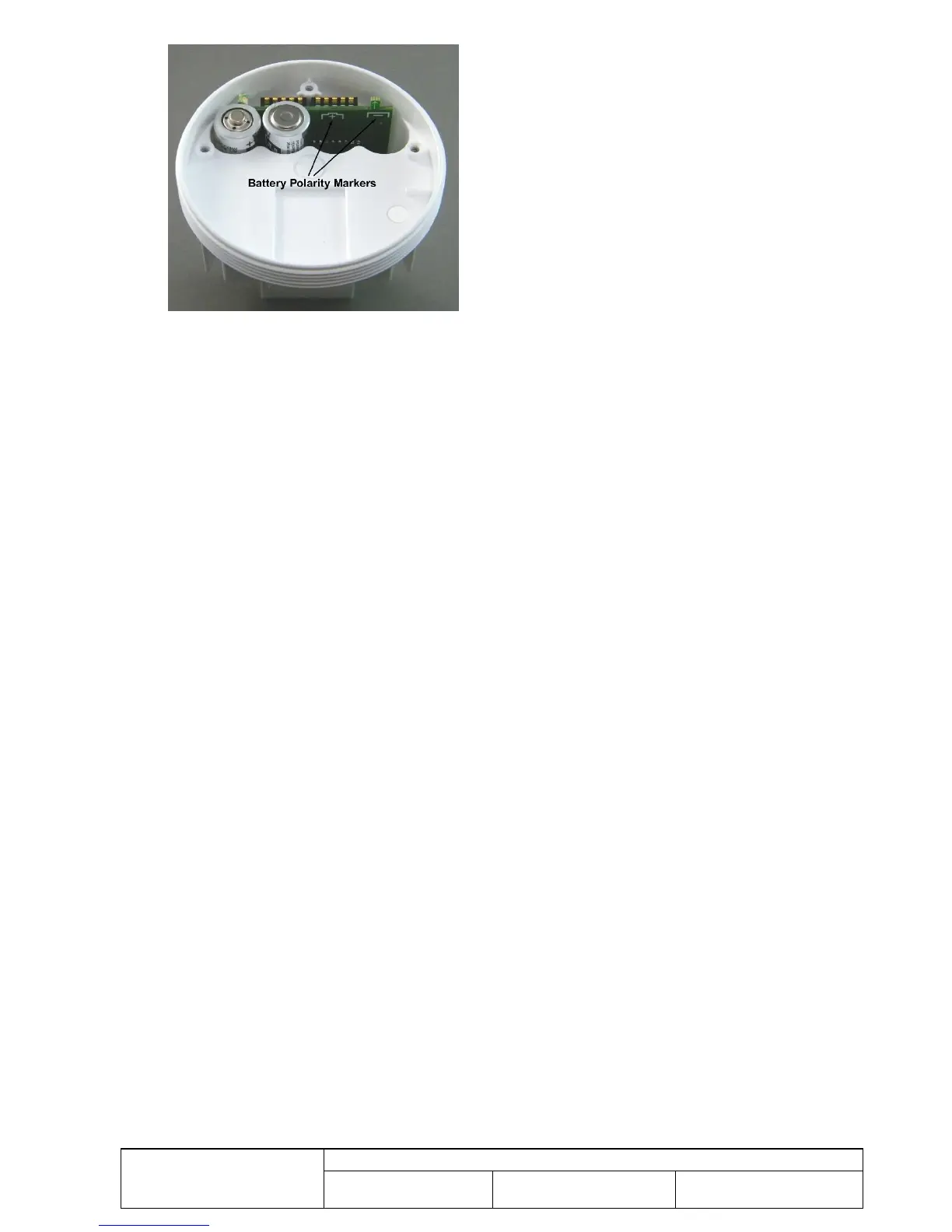
Figure 51 Battery Polarity Markers
5. Re-attach the transmitter board. Make sure that the main PCB alignment tabs engage the matching slots in the
antenna board. Then, re-install the previously removed three screws. Do not over-tighten the screws.
6. Re-install the plastic circular lid.
7. Re-install the RMU1 as instructed in section 5.1.
No other maintenance or cleaning is required.



 To Next Page