39
Installing Memory
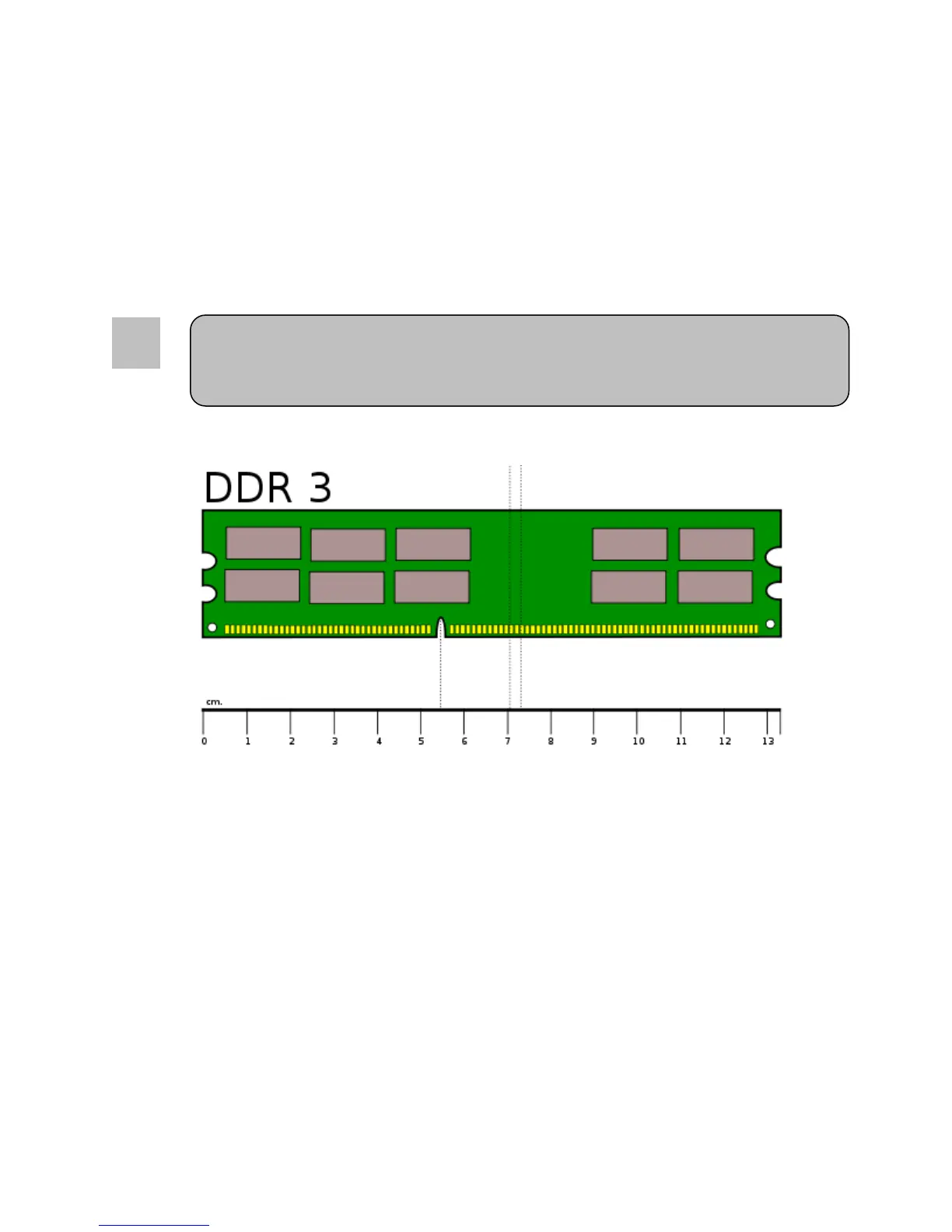
This motherboard provides four 240-pin sockets for DDR3 memory. It can be populated with UDIMM
memories of a minimum of 1GB up to a maximum of 32GB. Align the notch key on the module with the rib
on the slot. Firmly press the modules into the socket until it snaps into place.
Always start installing memories on the blue sockets first, black sockets second.
Adding memory modules to the Q77AX is only allowed for specific configurations. Contact
your Sales representative to confirm your configuration. Unreliable and incorrect operation
may occur. Any issues encountered will be considered- Voiding the warranty



 To Next Page