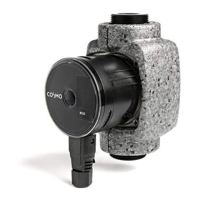
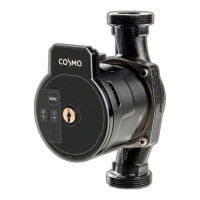
COSMOHigh‐efficiencypumpCPH2.0 40
7.3.5. Rotatingtheuserinterface
Ifthepumpisinstalledinahorizontalpiperun,theuserinterfacewiththeelectronic
unitmustberotatedthrough90°toensurethattheIPprotectionmodeismaintained,
andthattheuserhaseasyaccesstothegraphicaloperatinginterface.
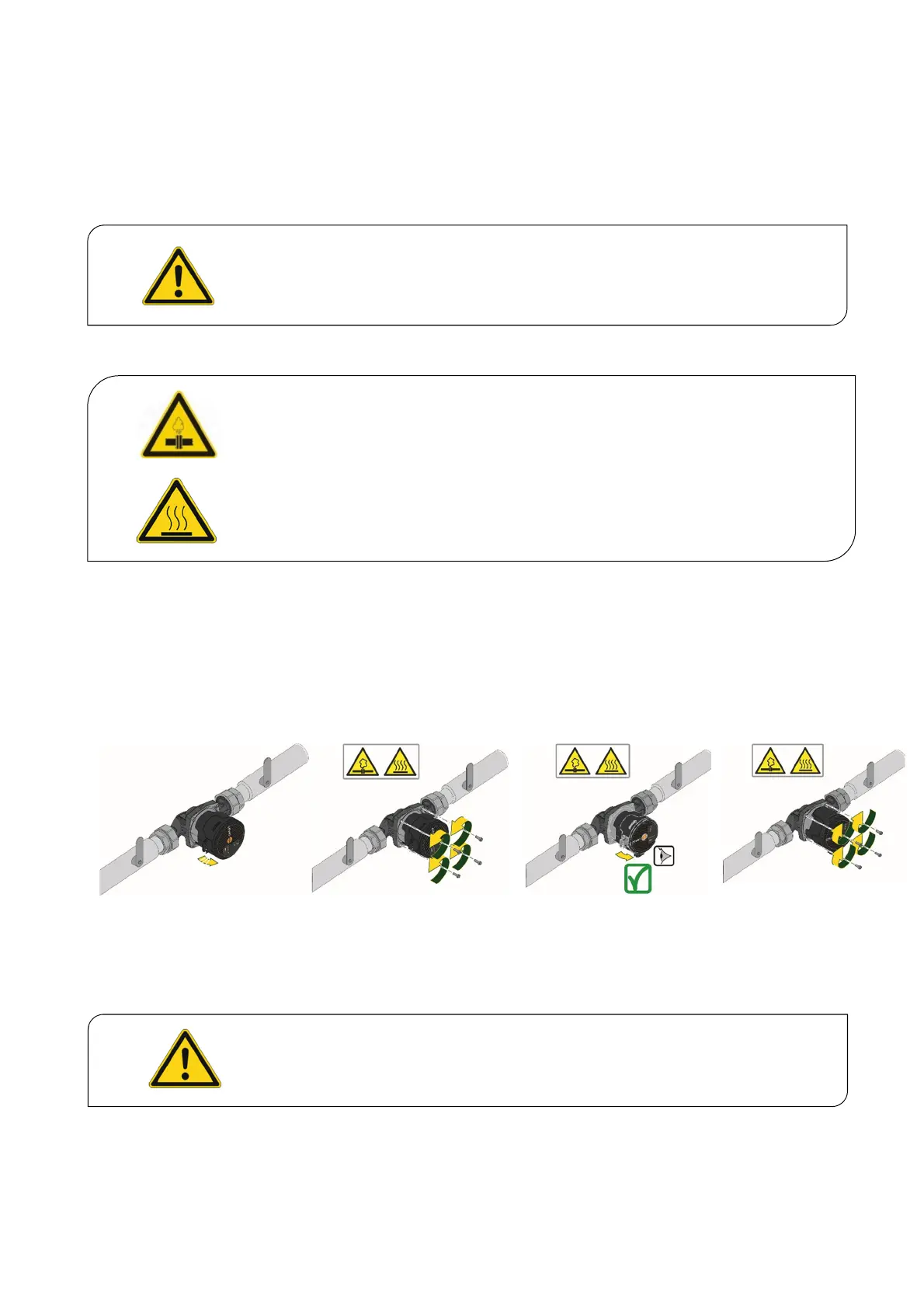
ProceedasfollowstorotatetheCPH2.0circulationpump:
1. Removethe4fixingscrewsfromthepumphead.
2. Dependingonposition,rotatethemotorhousingwithelectronicunitthrough90°
toleftorright.
3. Reassemble,andsecurethepumpheadwiththe4fixing
screws.
Caution–damageduetoincorrectinstallation
Preventadditionalloadsonthedevice.
o Ensureastress‐freeinstallationofthepumpinthepipework.
Beforerotatingthepump,itmustbedrainedcompletely.
Theelectroniccontrolunitmustalwaysbemountedintheverticalposition.
Beforeremovingthepump,thesystemmustbedrained,ortheshut‐offvalveson
bothsidesofthepumpmustbeclosed.Theconveyedliquidcanreachveryhigh
temperaturesandhighpressures.


 To Next Page