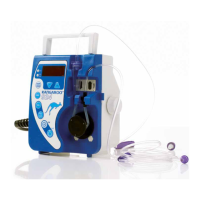
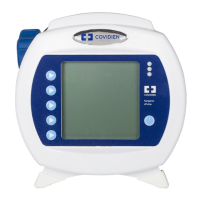
Kangaroo™ Connect Enteral Feeding Pump | 20
Table of Contents
Section 9 — Alarms and Troubleshooting
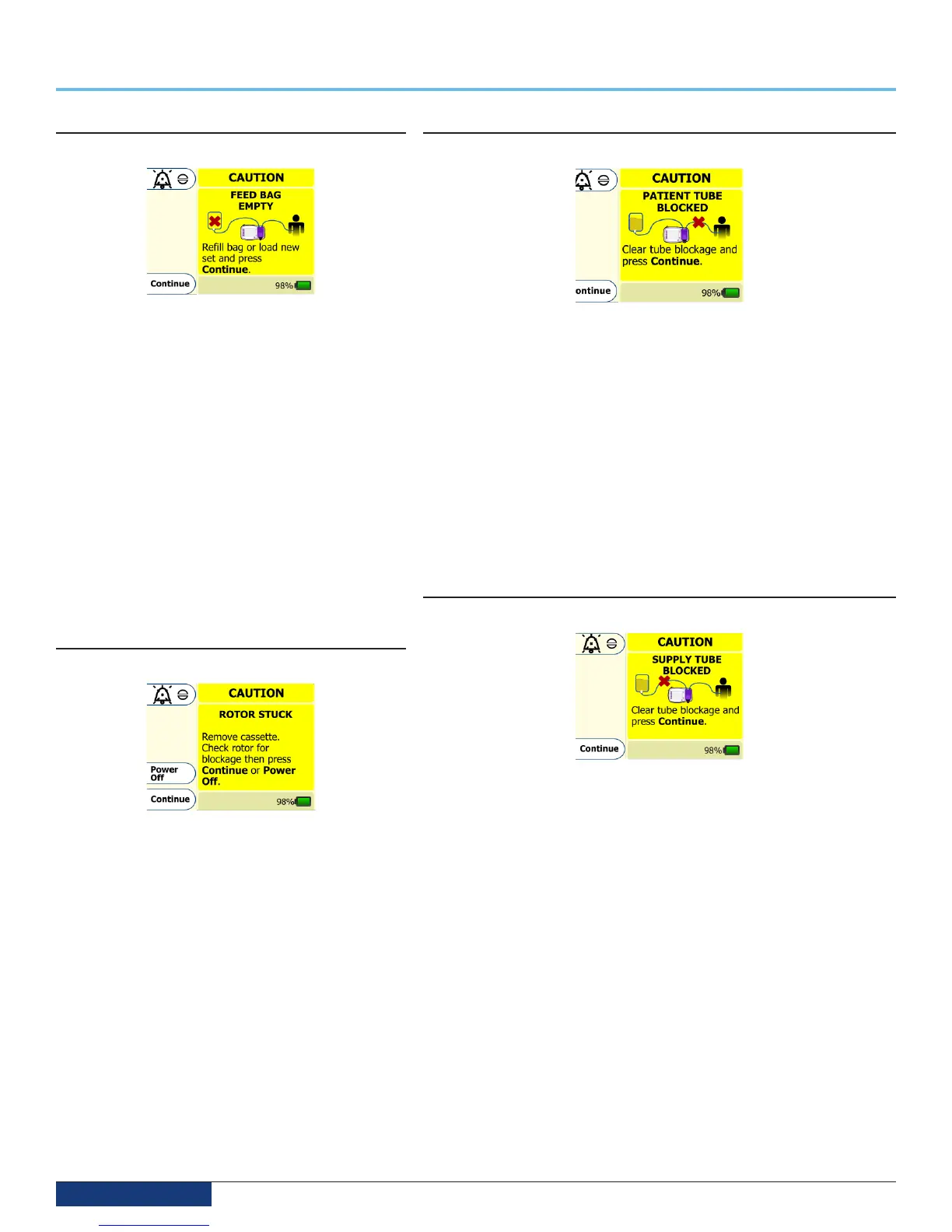
FEED BAG EMPTY Alarm
LED Indicator: blinking yellow
The FEED BAG EMPTY screen appears when the enteral
formula is no longer being delivered because the bag is
empty. Large amounts of foam or bubbles in the feeding
solution can also be a cause for this alarm. Check the bag
to see if it is empty and re-fill the bag as required. If the bag
still contains feeding solution, remove cassette and check
the bag side tubing for excessive foam or bubbles. Clear
bubbles from line and reload the feeding set or replace
with a new feeding set.
Detection of this alarm condition may take up to 130
minutes to occur at 1 mL/hr.
Detection of this alarm condition may take up to 5 minutes
to occur at flow rates greater than 50 mL/hr.
If the error still cannot be resolved, press the Power button
to stop operation of the pump and put a different pump
into service.
ROTOR STUCK Alarm
LED Indicator: blinking yellow
The ROTOR STUCK error screen appears when the pump
detects an unusual amount of resistance to the rotation
of the rotor. (The rotor is the black circular wheel attached
to the motor that rotates to move fluid through the
feeding set). This error is typically attributed to formula
or contaminant build-up on the rotor shaft, which can be
corrected by cleaning the rotor. In rare circumstances, this
problem could be due to a faulty motor/gearbox assembly.
Detection of this alarm condition may take up to 31 minutes
to occur at 1 mL/hr.
Detection of this alarm condition may take up to 1 minute
to occur at flow rates greater than 50 mL/hr.
If cleaning of the rotor and rotor shaft does not resolve this
error, press Power Off to stop operation of the pump and
put a different pump into service.
PATIENT TUBE BLOCKED Alarm
LED Indicator: blinking yellow
The PATIENT TUBE BLOCKED error screen appears when the feeding solution is
no longer being delivered because of a clog between the pump and the patient.
If the error cannot be resolved, remove the cassette from the pump. Check the
line to find and clear the blockage. While the cassette is removed, clean and dry
the sensor pocket on the right side of the pump. Re-load the feeding set onto
the pump, which could clear the error. If the error still cannot be resolved, load a
new pump set, prime it, and press Continue to restart the feeding.
Detection of this alarm condition may take up to 95 minutes to occur at 1 mL/hr.
Detection of this alarm condition may take up to 3 minutes to occur at flow rates
greater than 50 mL/hr.
If the error still cannot be resolved, press the Power button to stop operation of
the pump and put a different pump into service.
SUPPLY TUBE BLOCKED Alarm
LED Indicator: blinking yellow
The SUPPLY TUBE BLOCKED screen will appear if there is a blockage,
obstruction, or kinked tubing between the feeding bag and the pump. Check
the tubing between the bag and the pump to see if cause of the blockage can
be located and cleared. If the error cannot be fixed, remove the blocked pump
set and load a new pump set onto the pump.
Detection of this alarm condition may take up to 350 minutes to occur at 1 mL/
hr.
Detection of this alarm condition may take up to 9 minutes to occur at flow rates
greater than 50 mL/hr.
If the error still cannot be resolved, press the Power button to stop operation of
the pump and put a different pump into service.


 To Next Page