CowTech Ciclop 3D Scanning Guide
Calibration
Calibration is the difference between a good scan and a bad scan. Follow all of the steps below to ensure
that you get a good one. If you come across any further tips and tricks, please do share them with us on
our FaceBook page! https://www.facebook.com/groups/564912093672675/
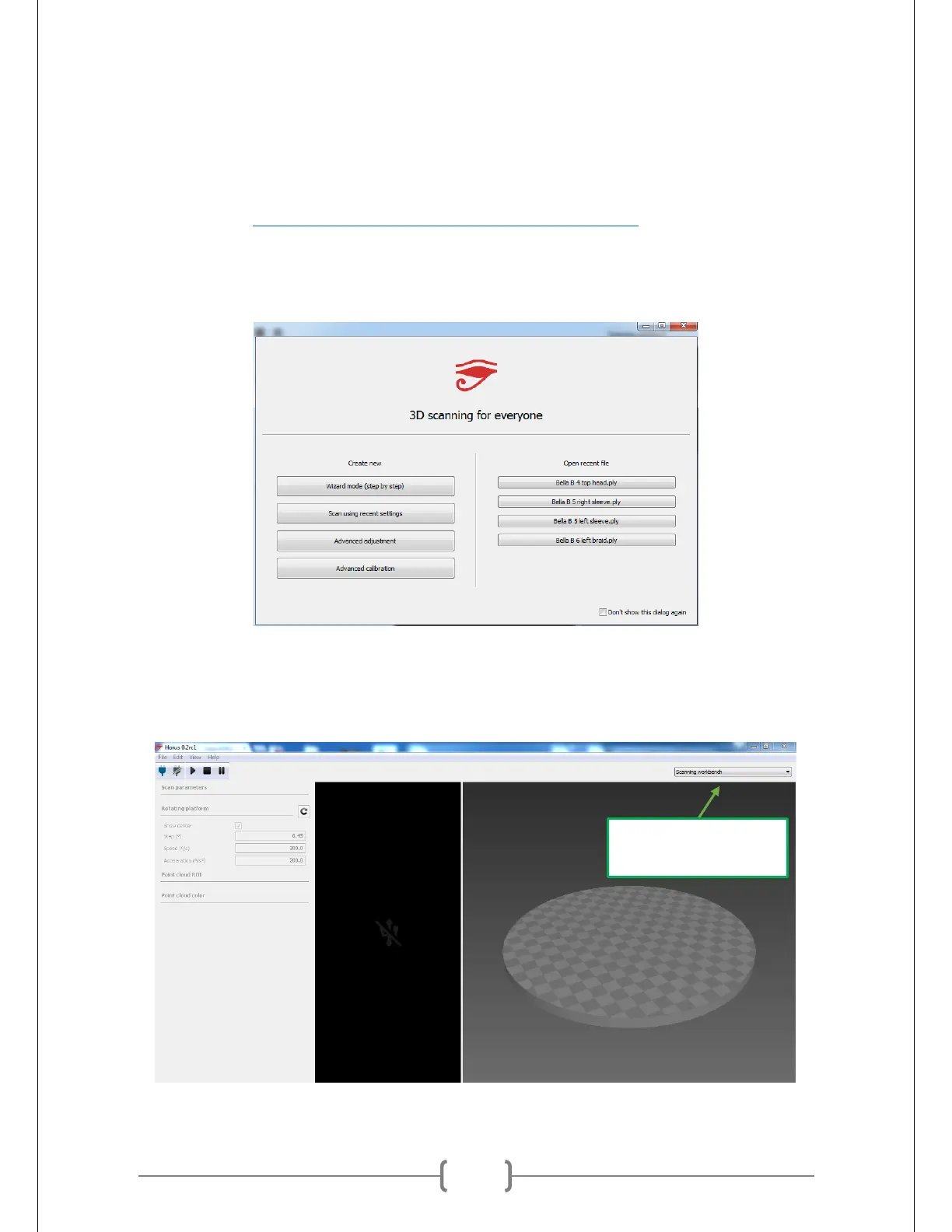
When you first start up Horus, you’ll be greeted by the window shown below. Close the window. The
window prompts you to launch the “wizard,” and in our experience the wizard generally does not make
for very good calibrations. You can get much more accurate scans by calibrating manually.
Horus’ functionality is divided into four separate windows called “Workbenches.” Each workbench is suited
to a different step in the calibration process. You can cycle through the workbenches by clicking on the
drop-down bar on the top right corner of the window. The default workbench is the Scanning
Workbench, which is what you see below.
SWITCHES BETWEEN
WORKBENCHES



 To Next Page