CowTech Ciclop 3D Scanning Guide
Exporting A Mesh With Texture in .OBJ Format
The following section assumes that you’ve already made your mesh and would now like to apply a texture
to it. After adding the texture to it, it can be saved in the .obj file format. Normally, the .stl file format is
used for 3D printing. Keep this in mind before beginning the following guide. Please ensure that the .obj
file format is suited to your application.
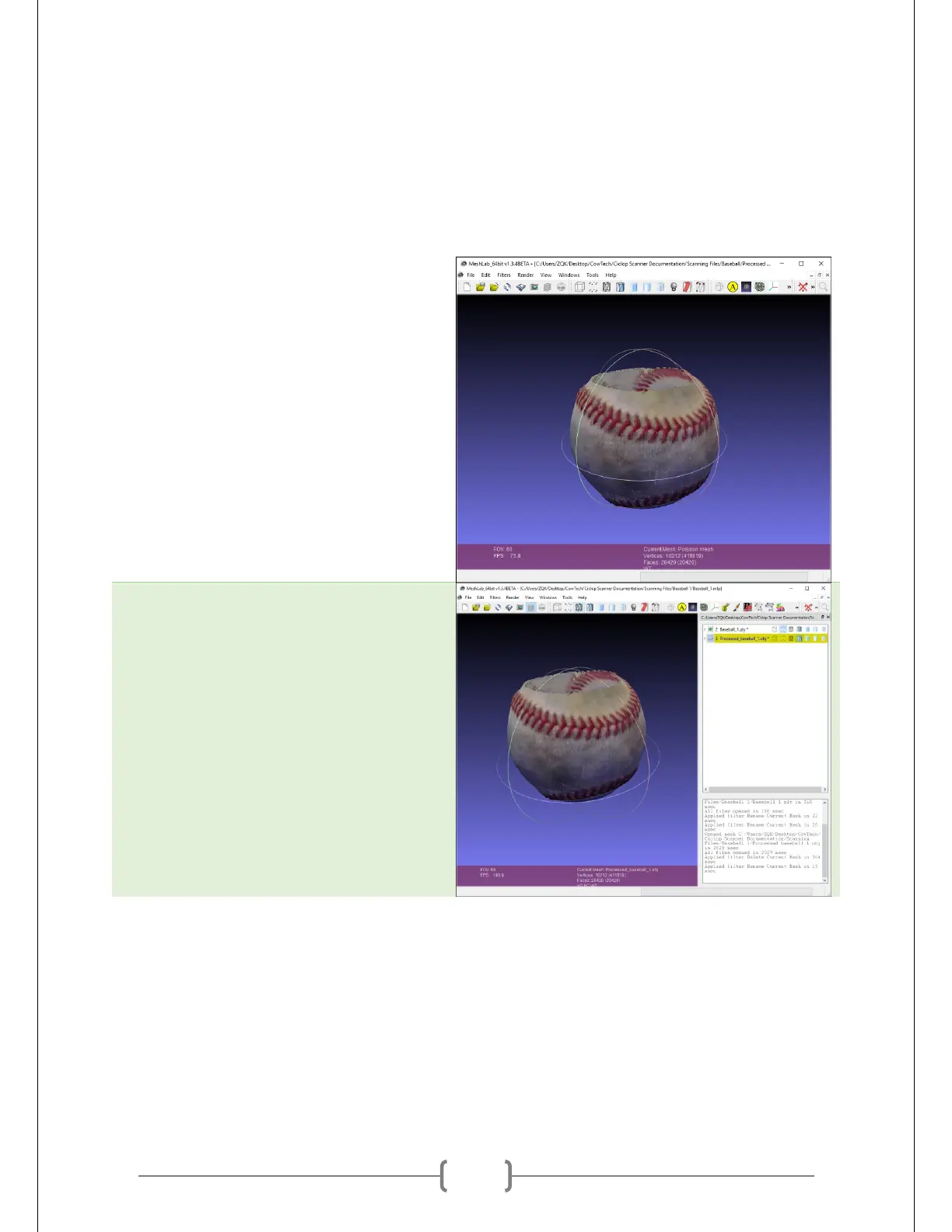
Open up your mesh. Shown at right is a
partially complete scan of a baseball.
Ideally, this scan would be fused with
another to cap off the top and bottom,
but we will proceed with this scan alone
for demonstration purposes.
Press Ctrl + L to see all of the layers
present in your project. “Baseball_1.ply”
is the point cloud currently visible, and
“Processed_baseball_1.obj” is the mesh
generated from it.



 To Next Page