CowTech Ciclop 3D Scanning Guide
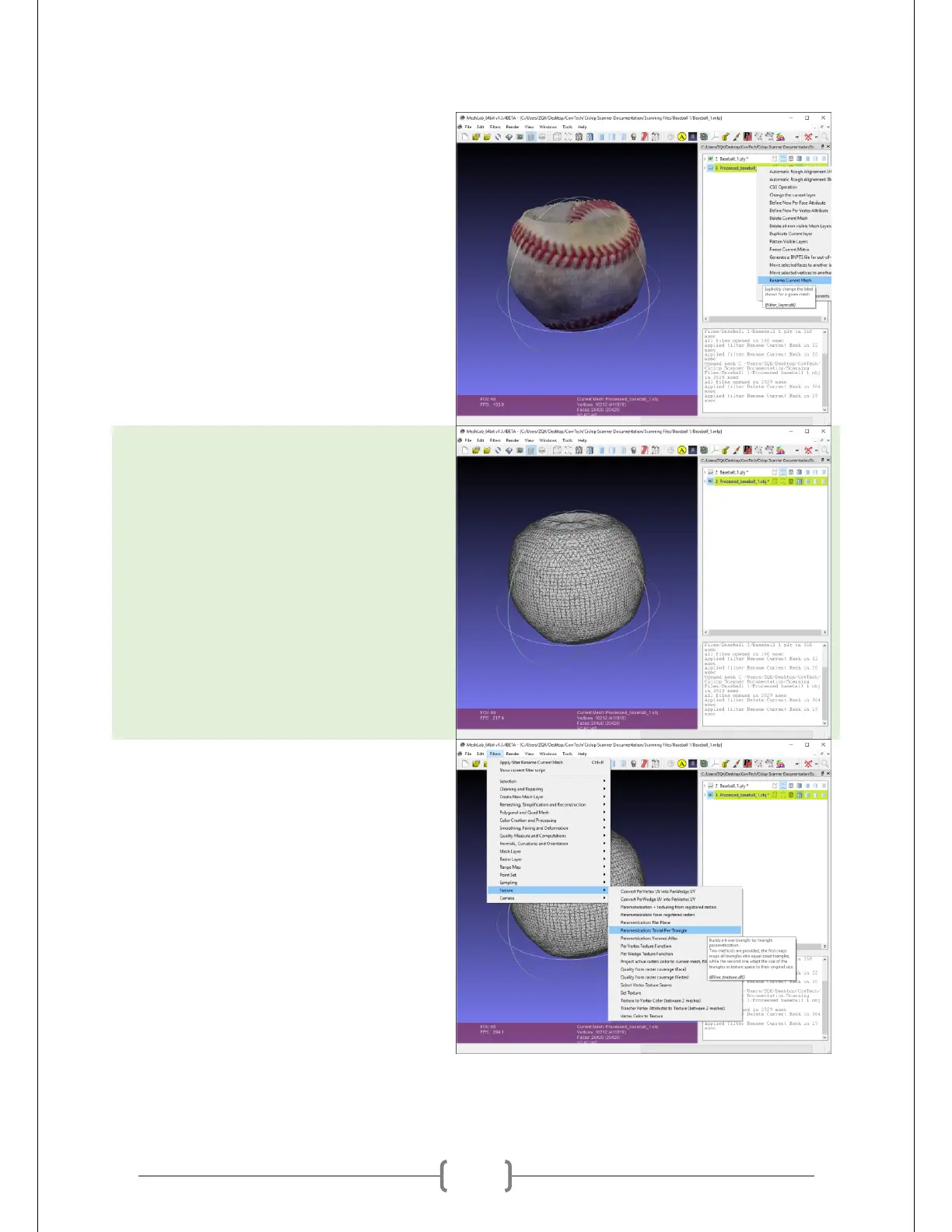
Rename both layers such that there are
no spaces in them. MeshLab does not
like spaces in file names. Don’t forget
this step, it will save you the hassle of
redoing this entire process!
Select the mesh so that it’s highlighted
yellow and click the small eye icons next
to each layer’s name to toggle visibility.
At right is the untextured mesh.
Go to Filters -> Texture ->
Parametrization: Trivial Per-Triangle. This
chops the point cloud colors into
triangular bits that correspond to your
mesh’s triangles.



 To Next Page