CowTech Ciclop 3D Scanning Guide
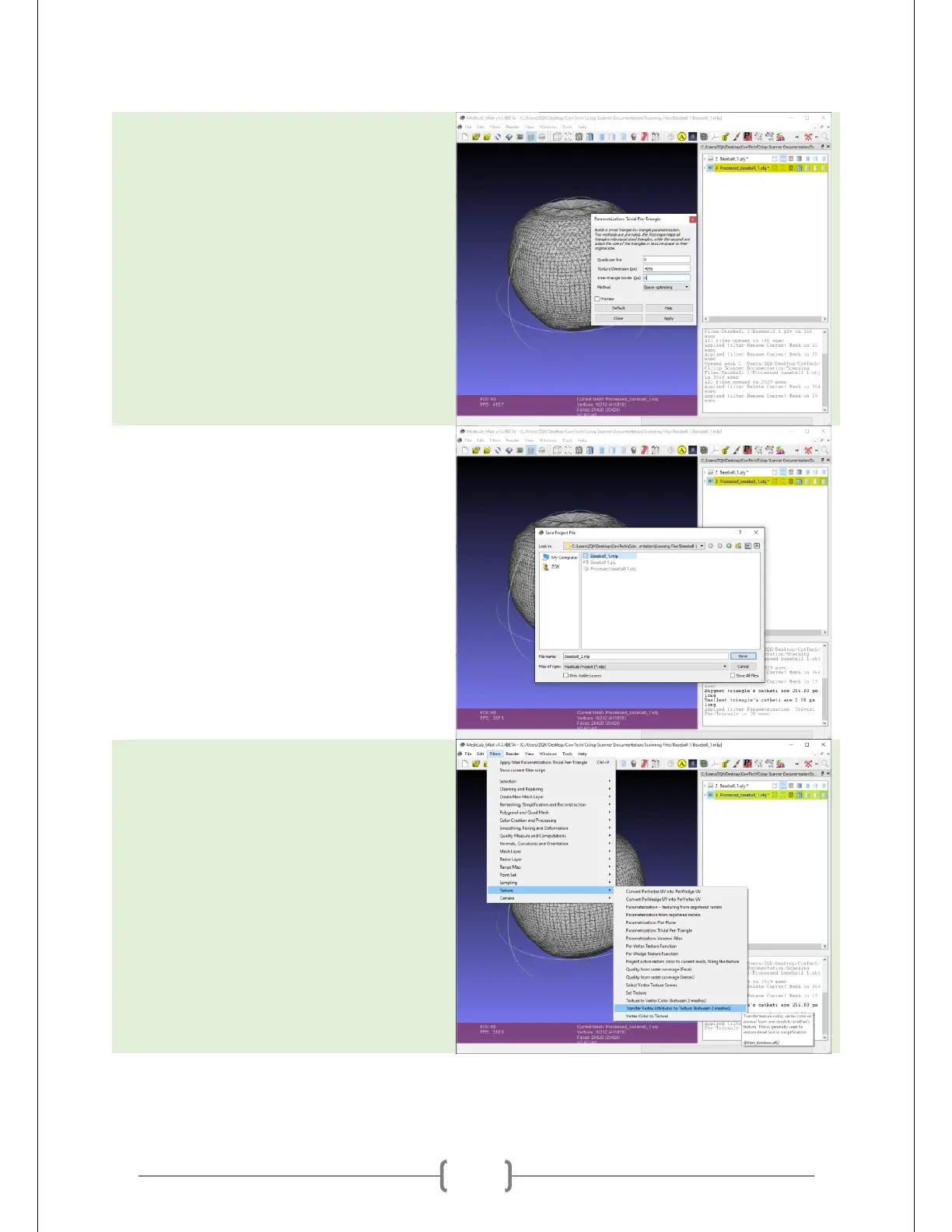
Change the “Texture Dimension (px)”
field to 4096 and the “Inter-Triangle
Border” field to 0. Do not check the
preview box, this will often crash
MeshLab. Hit “Apply” and then close the
window.
Go to File -> Save Project. The steps after
this may be destructive and reloading
the file will be your way to revert back to
square one. Again, make sure that there
are no spaces in the name.
Go to Filters -> Texture -> Transfer Vertex
Attributes to Texture (between 2
meshes). This transfers your texture data
onto the mesh.



 To Next Page