CowTech Ciclop 3D Scanning Guide
Post-Processing Tips
For help with post-processing your point cloud, please refer to the BQ guide on the page linked to below.
http://diwo.bq.com/en/documentation-ciclop-and-horus-2/
Although the bulk of the information that you need for post-processing can be found at the link above,
we have a few supplemental tips included below. Note that the BQ guide gives you the option of using
either MeshLab or CloudCompare to process your point clouds. Our tips are only applicable when using
MeshLab, although you could likely find analogous operations in CloudCompare.
Don’t forget to post pictures of your cool scans on our FaceBook page! Likewise, if you’re stuck with an
issue, we encourage you to reach out to the community for help on the CowTech Ciclop Google Group.
CowTech Ciclop Facebook Group - https://www.facebook.com/groups/564912093672675/
CowTech Ciclop 3D Scanner Google Group -
https://groups.google.com/a/cowtechengineering.com/forum/?hl=en#!forum/cowtech-ciclop-
3d-scanner
Inverting Normals Before Generating A Mesh
Before you can make a mesh from the point cloud, you must generate normals for the model. Ideally, the
normals poke outward away from the model so that it looks fuzzy. But sometimes the normals are facing
inward. This can cause lots of problems when it comes time to build a mesh. MeshLab offers tool to invert
the normals associated with a mesh already, but it does not offer any tool to do so if the mesh hasn’t
been built yet. The following workaround allows you to invert the normals without a mesh.
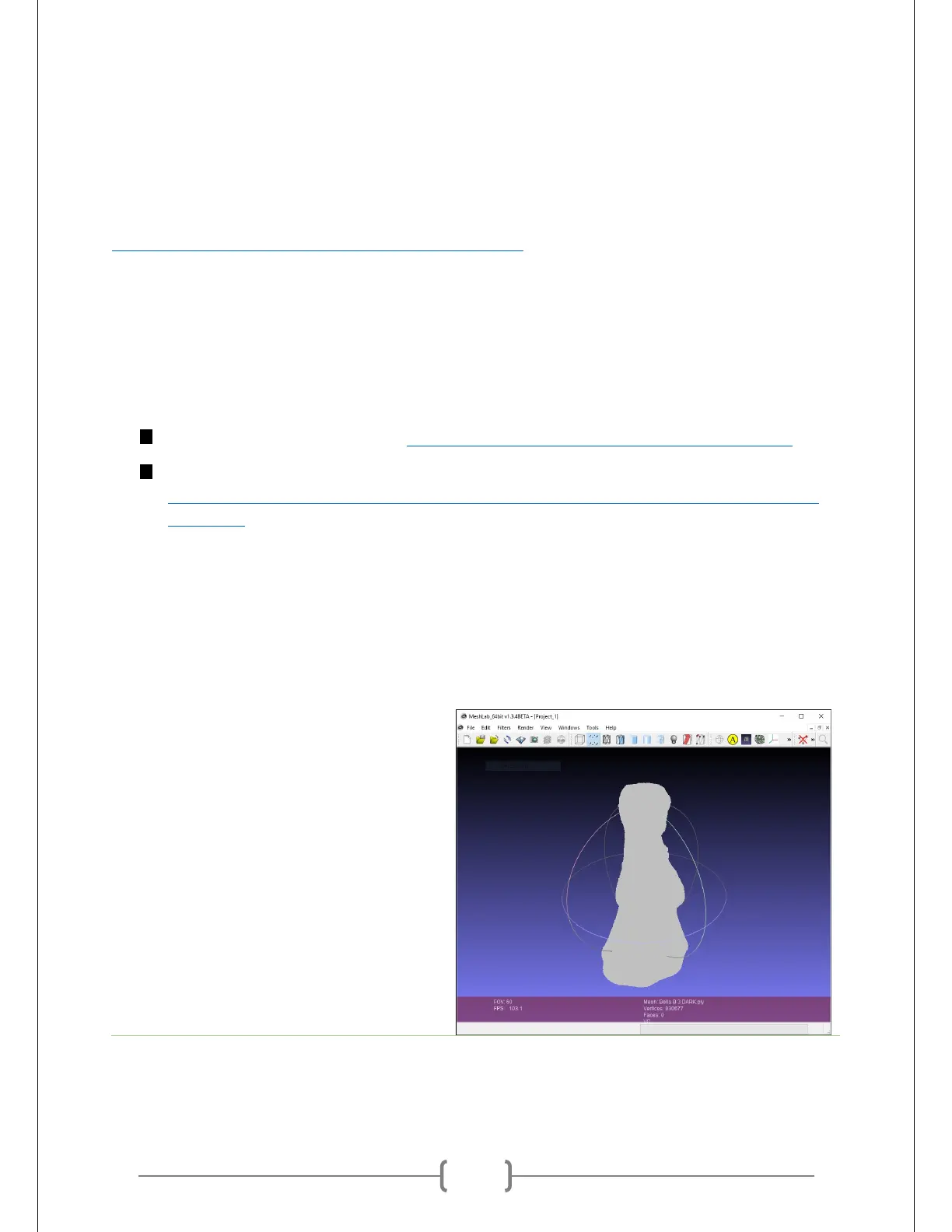
Open up your point cloud. At right you can
see the object we scanned earlier.



 To Next Page