CowTech Ciclop 3D Scanning Guide
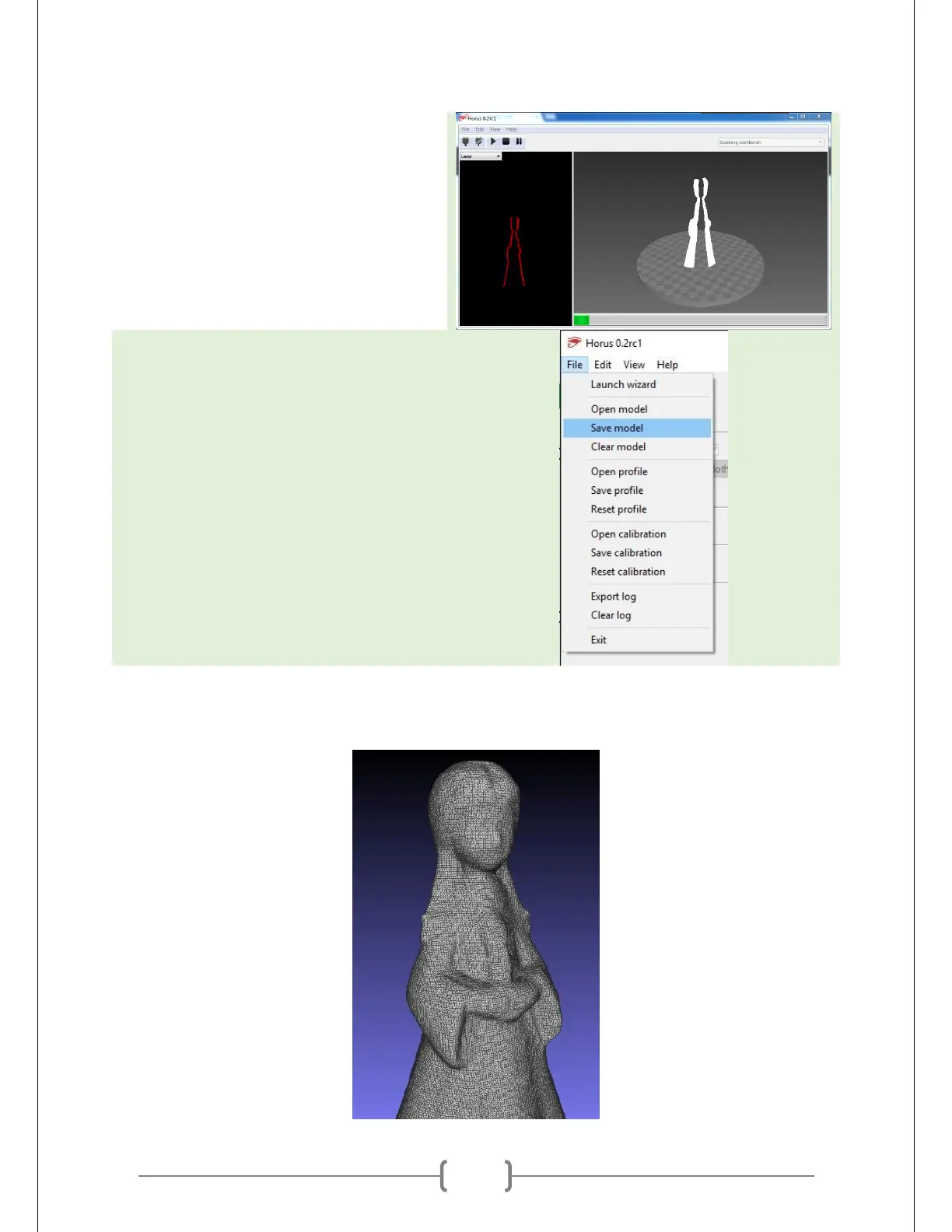
The scan may take 10 to 20 minutes to
complete. It may be hard to make out the
details of your object at the moment, as
the point cloud does not provide outlines
for the object’s features.
Save your model once the scan is
complete. You are now ready to begin
post-processing your model.
After post-processing, your 3D model is ready to print!



 To Next Page