CowTech Ciclop 3D Scanning Guide
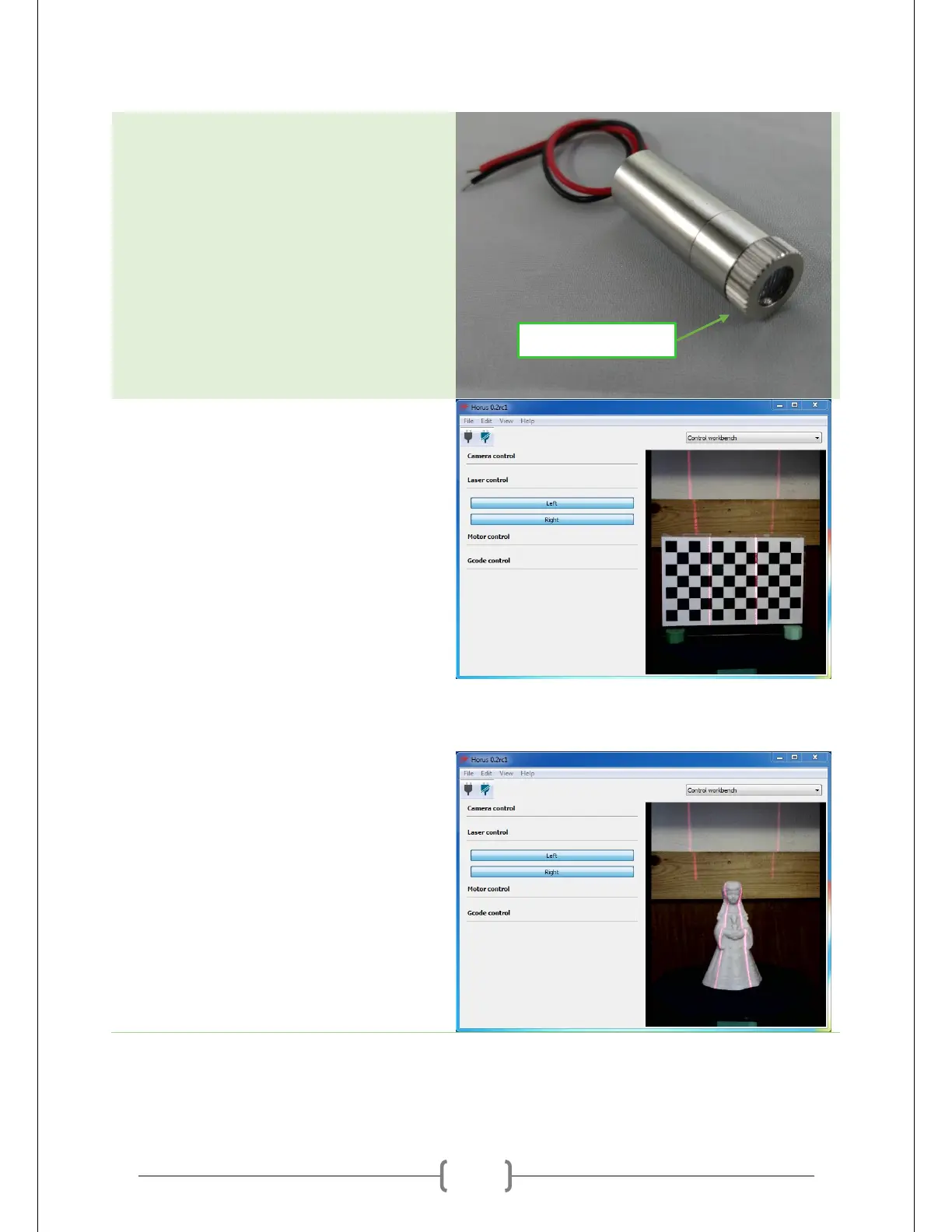
Focus the lasers. The lasers have a small
plastic lens on the end that focuses the
beam into a line. Rotate it to make the
line as thin and bright as possible. A thin
laser makes it easier to capture fine
detail.
Rotate the lasers so that they’re vertical.
You can use the borders between the
checkers to help align the lasers. They
should be perfectly parallel.
Ensure Good Laser Coverage
Remove the calibration pattern and place
your object on the table. The calibration
process will require a lot of switching back
and forth between the two, so keep the
calibration pattern handy.



 To Next Page