6.5.3 Local Network Interfaces
Each LAN type—Ethernet and VLAN—has a separate section with configuration options. Unless the default configuration is sufficient,
YOU MUST CONFIGURE EACH INTERFACE SEPARATELY in order to create the desired interface options for a network. You can
then select these interfaces to add to a network in the Local Network Editor (see above).
Select from the following tabs:
• Ethernet Port Configuration
• VLAN Interfaces
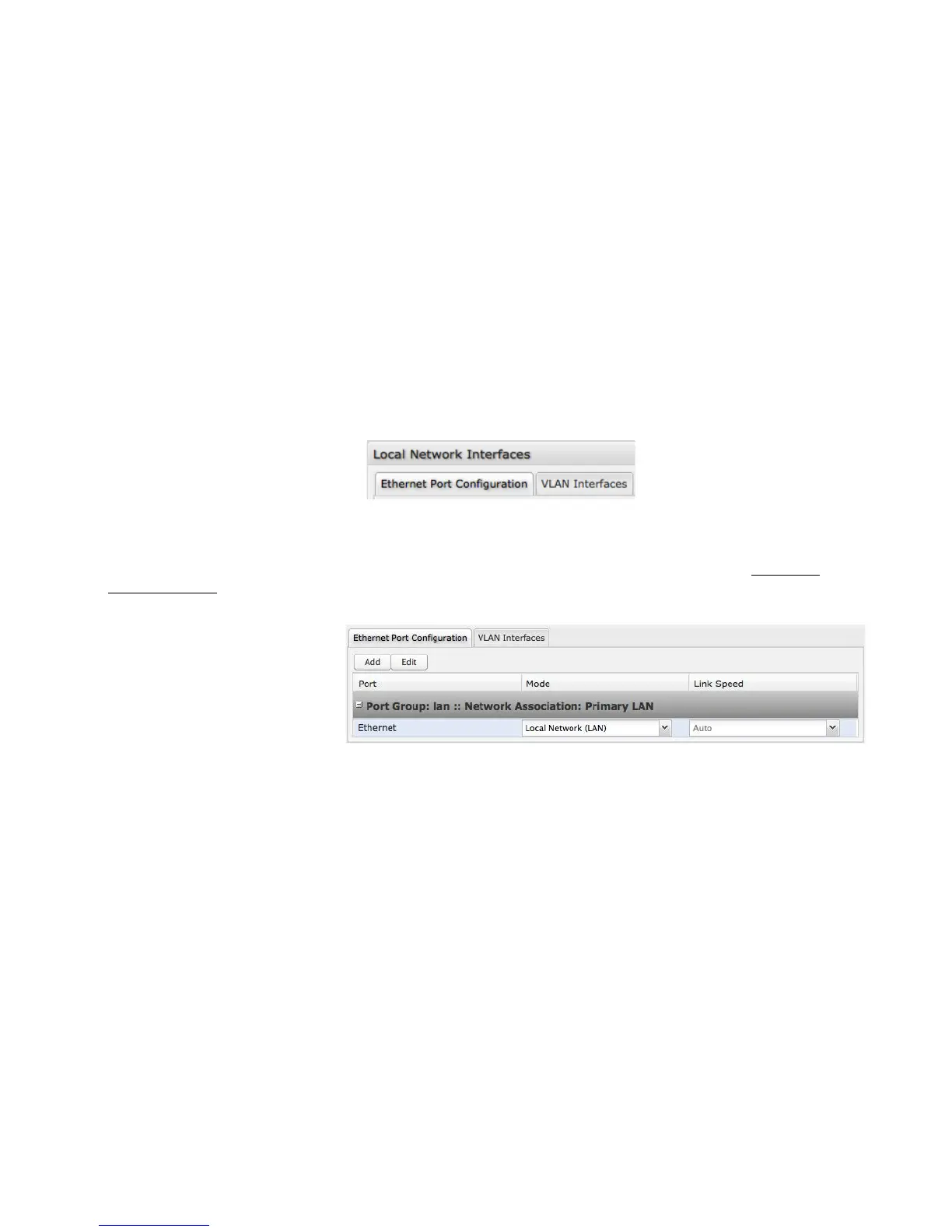
Ethernet Port Configuration
Ethernet Port Configuration provides controls for your router’s Ethernet ports. While default settings will be sufficient in most
circumstances, you have the ability to control the Link Speed. Additional controls for WAN ports are available in Internet →
Ethernet Settings.
Link Speed: Default setting is Auto. The Auto setting is preferred in most cases.
• Auto
• 10Mbps - Half Duplex
• 10Mbps - Full Duplex
• 100Mbps - Half Duplex
• 100Mbps - Full Duplex
• 1000Mbps - Full Duplex















 To Next Page