CRADLEPOINT CBR400| USER MANUAL Firmware ver. 3.3.0
© 2011 CRADLEPOINT, INC. PLEASE VISIT HTTP://KNOWLEDGEBASE.CRADLEPOINT.COM/ FOR MORE HELP AND RESOURCES PAGE 8
Ethernet Port: By default, the Ethernet port is configured as a LAN (Local Area Network) port, but it can be reconfigured
as a WAN (Wide Area Network—your internet source) port in Network Settings → WiFi / Local Networks. Connect to
local devices with the LAN setting, or connect to an Ethernet-based modem with the WAN setting.
Power 12v DC: Connect the included power supply to the wall and your CBR400.
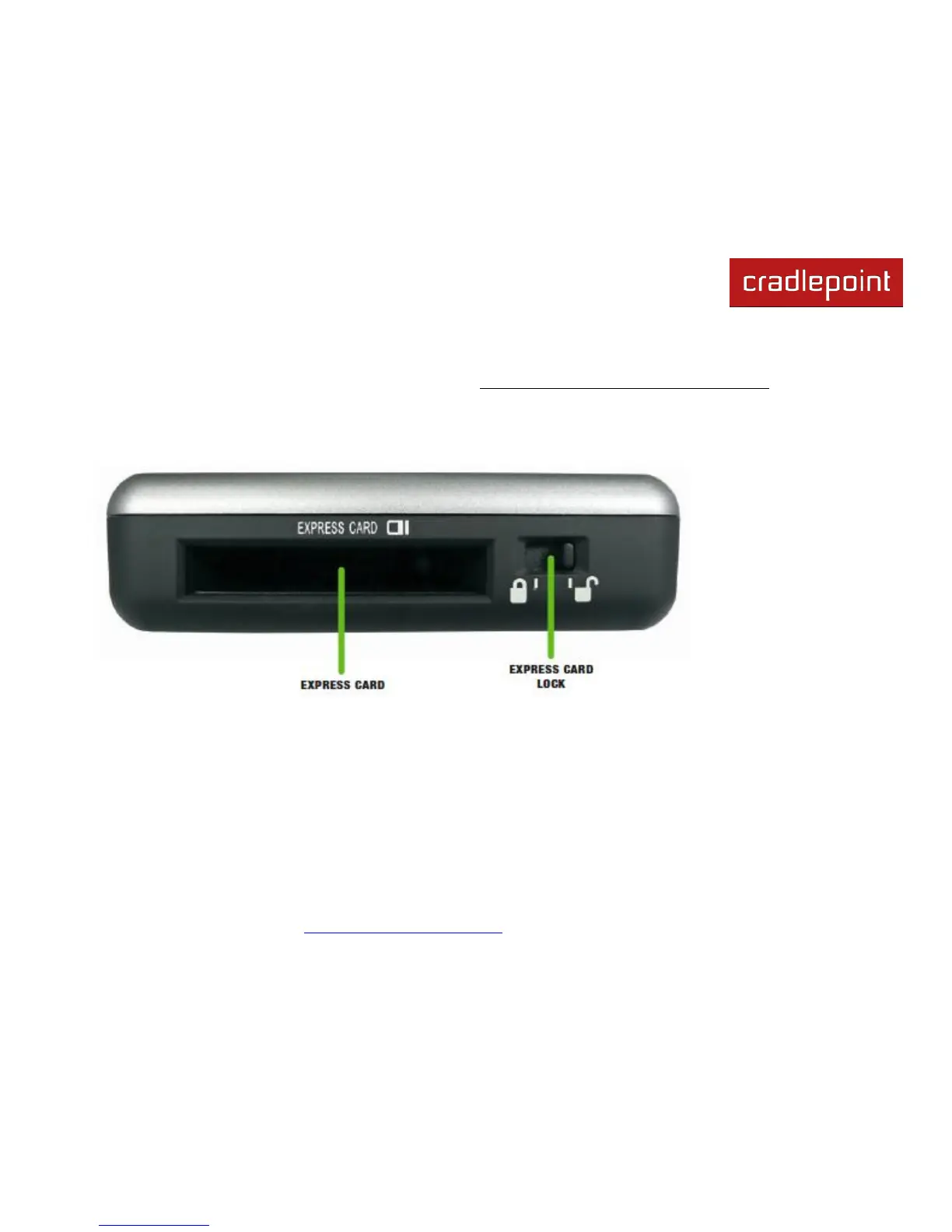
ExpressCard Modem Port: Insert a modem with an active data plan as one possible internet source.
ExpressCard Lock: Switch to lock an ExpressCard modem in place.















 To Next Page