CRADLEPOINT CBR400| USER MANUAL Firmware ver. 3.3.0
© 2011 CRADLEPOINT, INC. PLEASE VISIT HTTP://KNOWLEDGEBASE.CRADLEPOINT.COM/ FOR MORE HELP AND RESOURCES PAGE 9
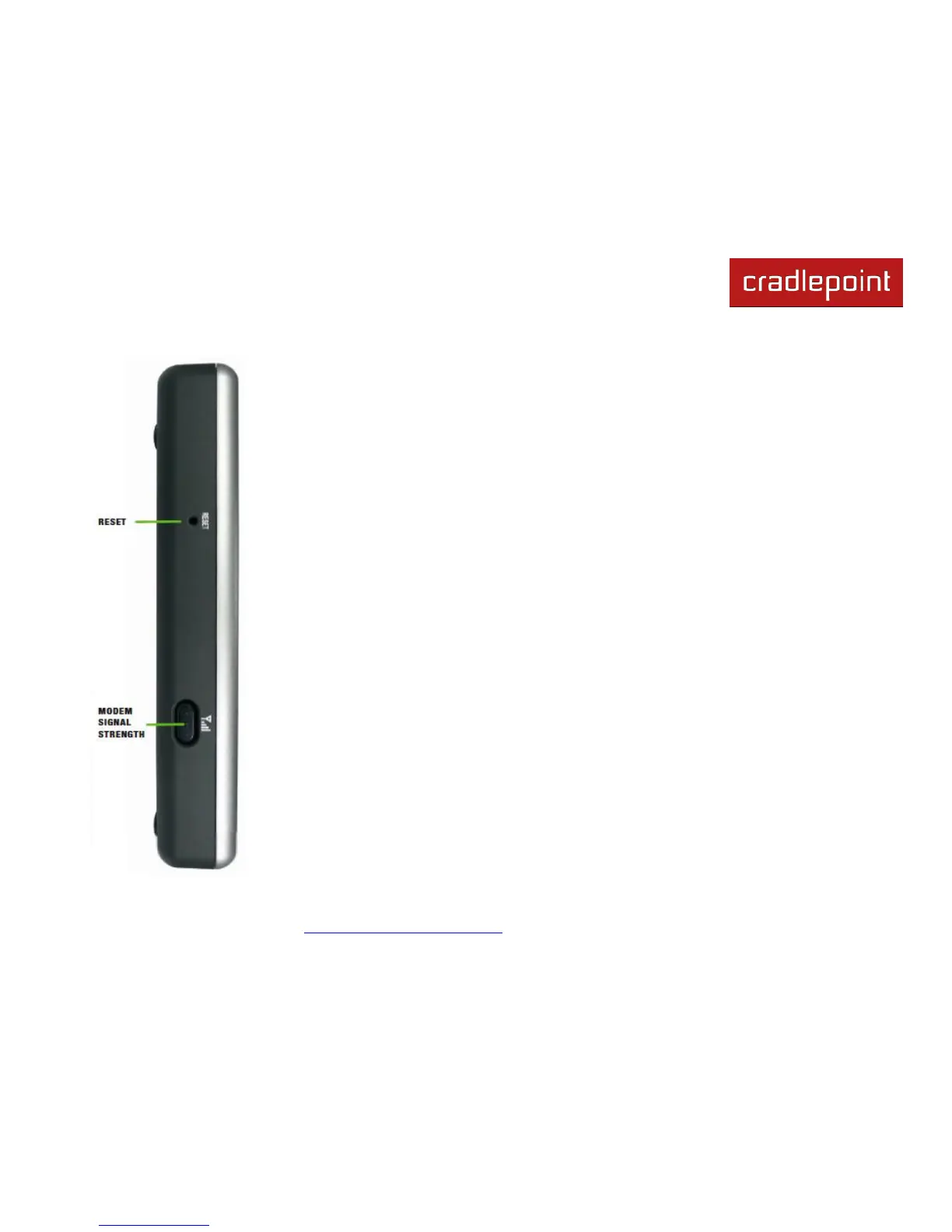
Factory Default Reset: You can return your router to factory default settings by pressing and
holding the Reset button. This button is recessed, so it requires a pointed object such as a
paper clip to press. Press and hold for 10 seconds to initiate reset.
3G/4G Modem Signal Strength Button: When pressed the bar LEDs indicate signal strength
from the USB or ExpressCard modems. The signal strength is shown for 10 seconds if the
modem does not support concurrent data connection and signal strength measurement.
Tapping this button will toggle the Modem Signal Strength display on and off.















 To Next Page