12
STEP TWO (continued)
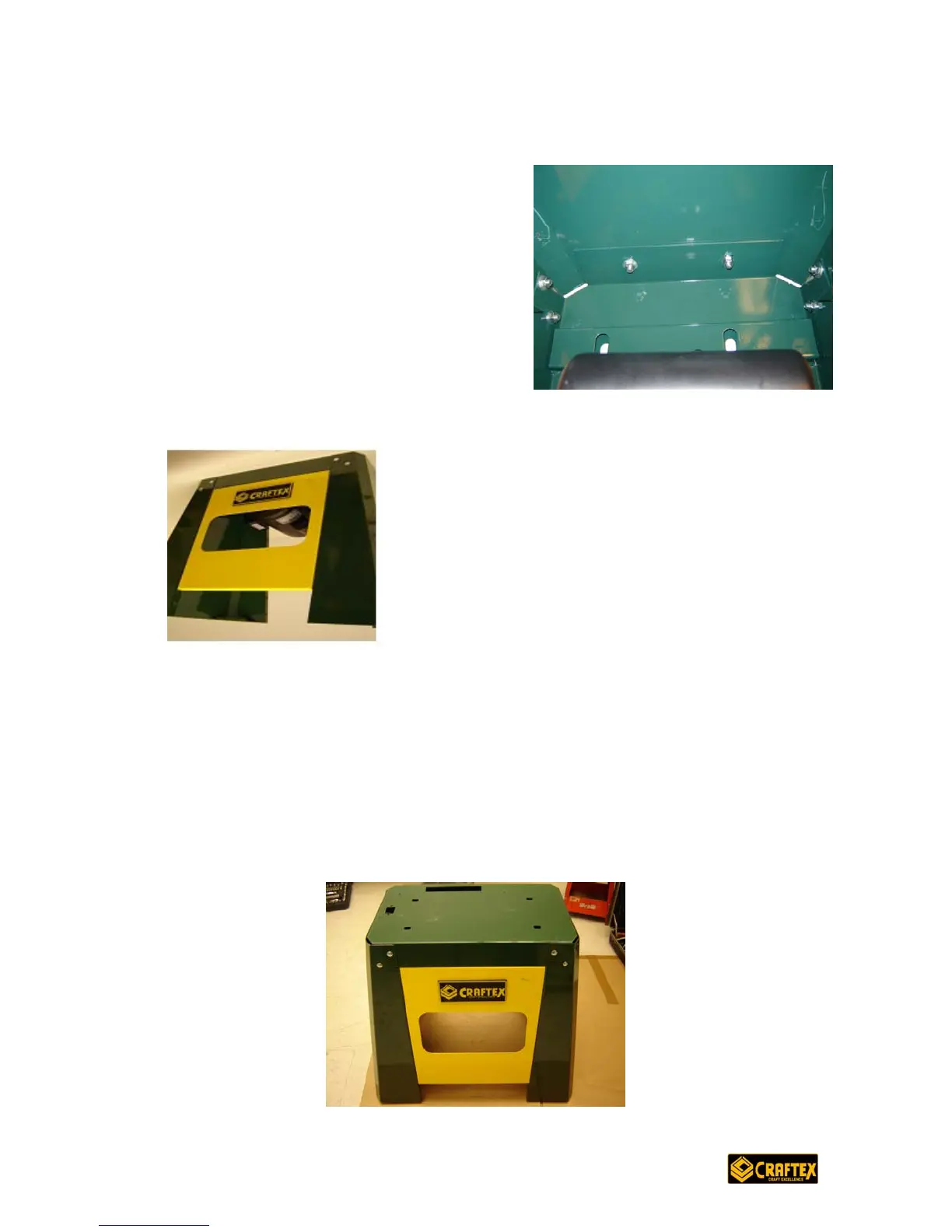
2. Repeat #1 above for the left side panel
(#206).
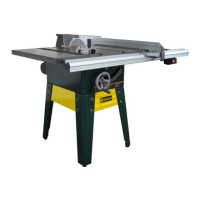
3. Turn the unit around so that the motor fan is facing you and assemble the front
panel (#202) to the sides with two bolts on each side. Tighten fingertip tight.
4. Tighten all 16 screws: you will have 8 screws at the front (2 screws at each of the
left and right front corners, 4 on front panel) and 8 screws on the back and sides
(2 at each back corner and 2 at each side).
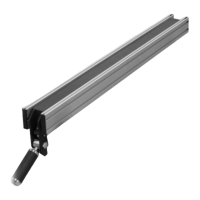
5. Attach a foot (#207) to each corner of the stand at the bottom by slipping a
washer (#216) onto a bolt (#208) and through a foot; tighten the foot to the stand
with a nut (#205).
6. Place the stand upright on the floor (note: a second person is recommended to
assist with this step).


 To Next Page