E-2 Technical Support
For quick and easy reference, it is advisable that you write down the
following numbers of your card and other hardware devices, if
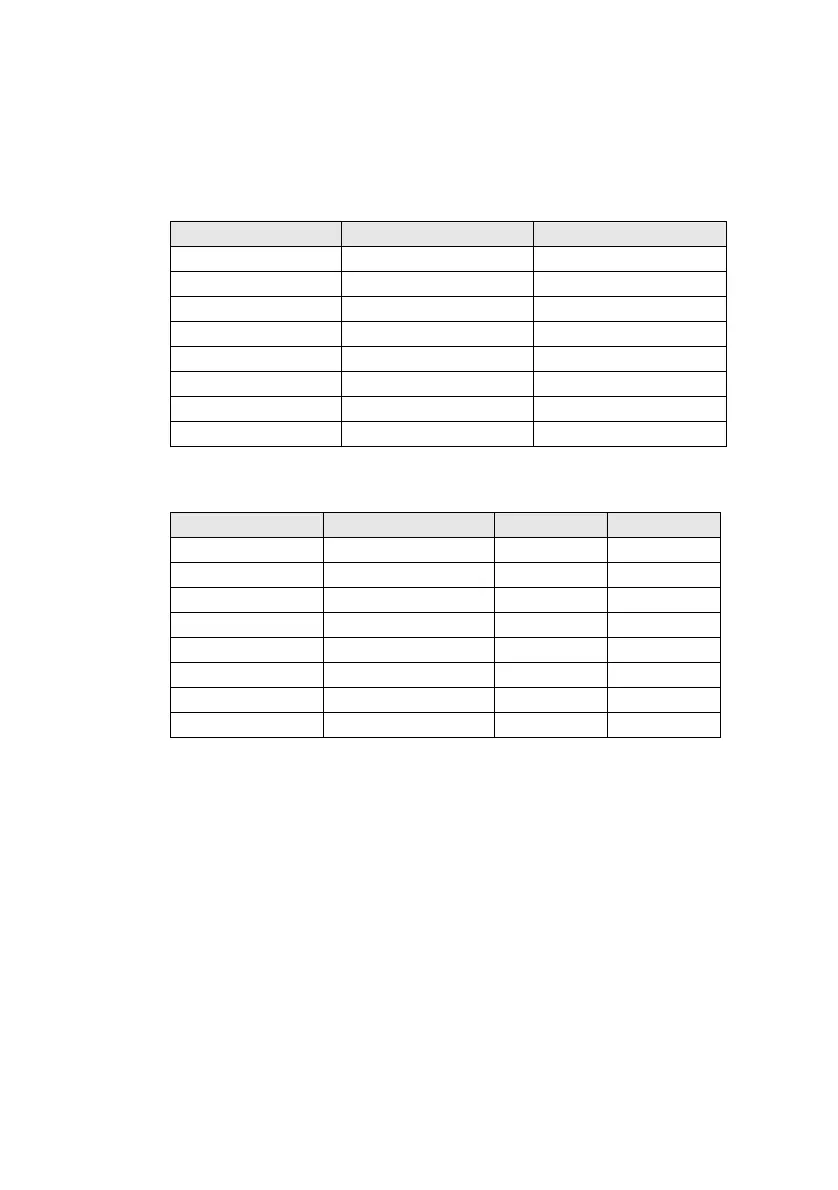
installed in your system in Table E-1 and Table E-2.
This section shows where you can contact us.
❑ Inside Europe
❑ Through CompuServe
❑ By Fax
Table E-1: Model and Serial Numbers of your hardware.
Hardware Model Number Serial Number
Audio Card*
Video Card
Fax/Modem
CD-ROM Drive
MIDI Device
Telephony Card
Others:
*
See label on underside of card
Table E-2: Hardware Configuration Information.
Hardware Base I/O Address IRQ DMA
Audio Card
Video Card
Fax/Modem
CD-ROM Drive
MIDI Device
Graphics Card
Others:
This manual downloaded from http://www.manualowl.com



 To Next Page