1-2 Getting to Know Your Modem
Jacks
Jacks are one-hole connecting interfaces on your modem card. They
allow you to attach other devices to your card. Jacks are found
exclusively on the rear panel of your modem card.
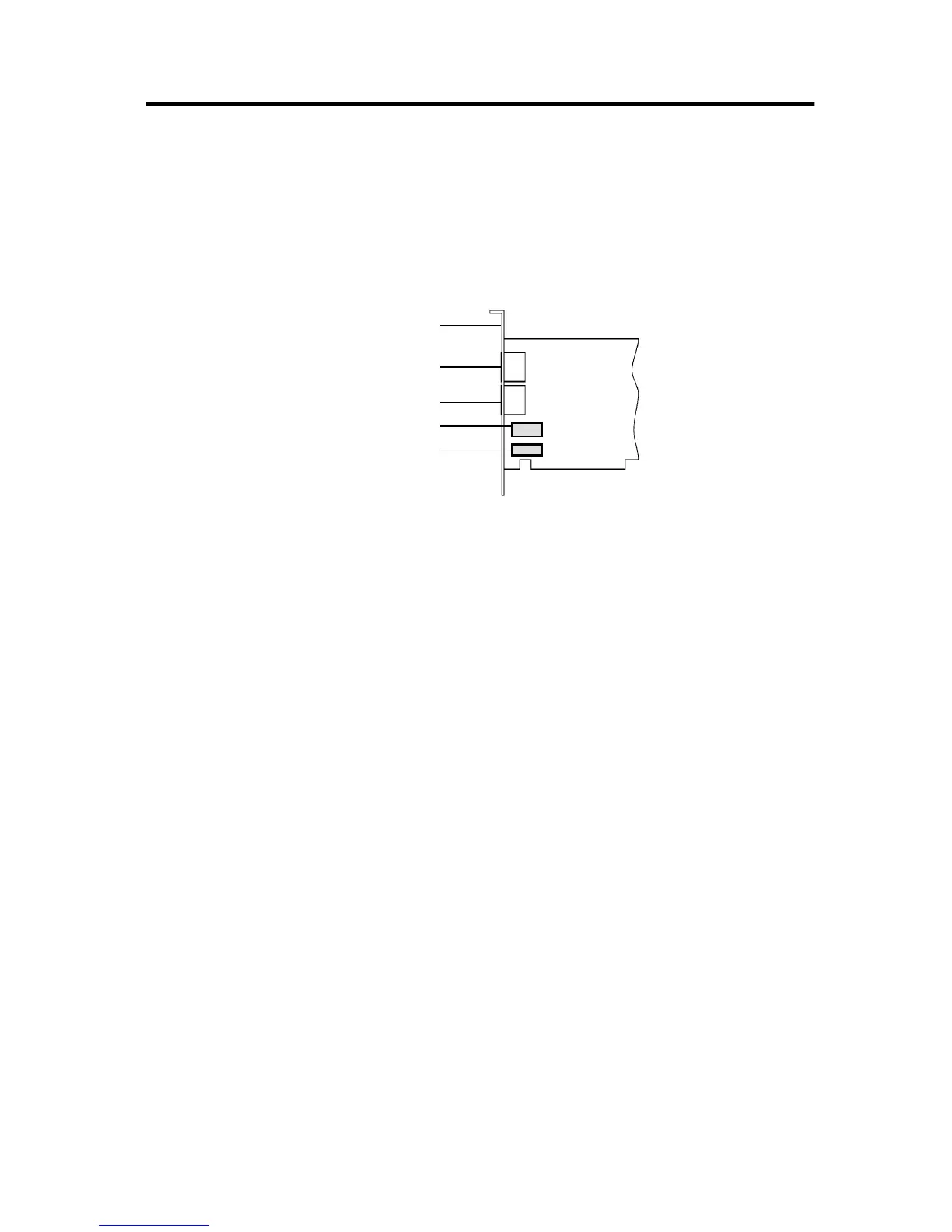
The jacks on your modem card can be seen in Figure 1-1.
Telephone Line Jack
The Telephone Line jack allows you to connect a telephone line for
data transmission and faxing of documents. If your card is a voice
model, the voice mail feature can be used as well.
Phone Jack
The Phone jack allows you to connect a phoneset to the card.
This jack is found only on modem cards sold for use in countries that
follow the United States’ standard.
Mic and Speaker Jacks
These jacks allow you to connect an external microphone and
speakers for use with voice mail and speakerphone features.
(found on those models that support voice and speakerphone)













 To Next Page