Uninstalling the Modem in Windows 95/98 5-1
5
Uninstalling the Modem in
Windows 95/98
This chapter provides instructions to uninstall the modem in
Windows 95/98. To uninstall your modem:
1. Click the Start button on the taskbar, point to Settings and then
click Control Panel. The Control Panel window appears.
2. Double-click the Modems icon.
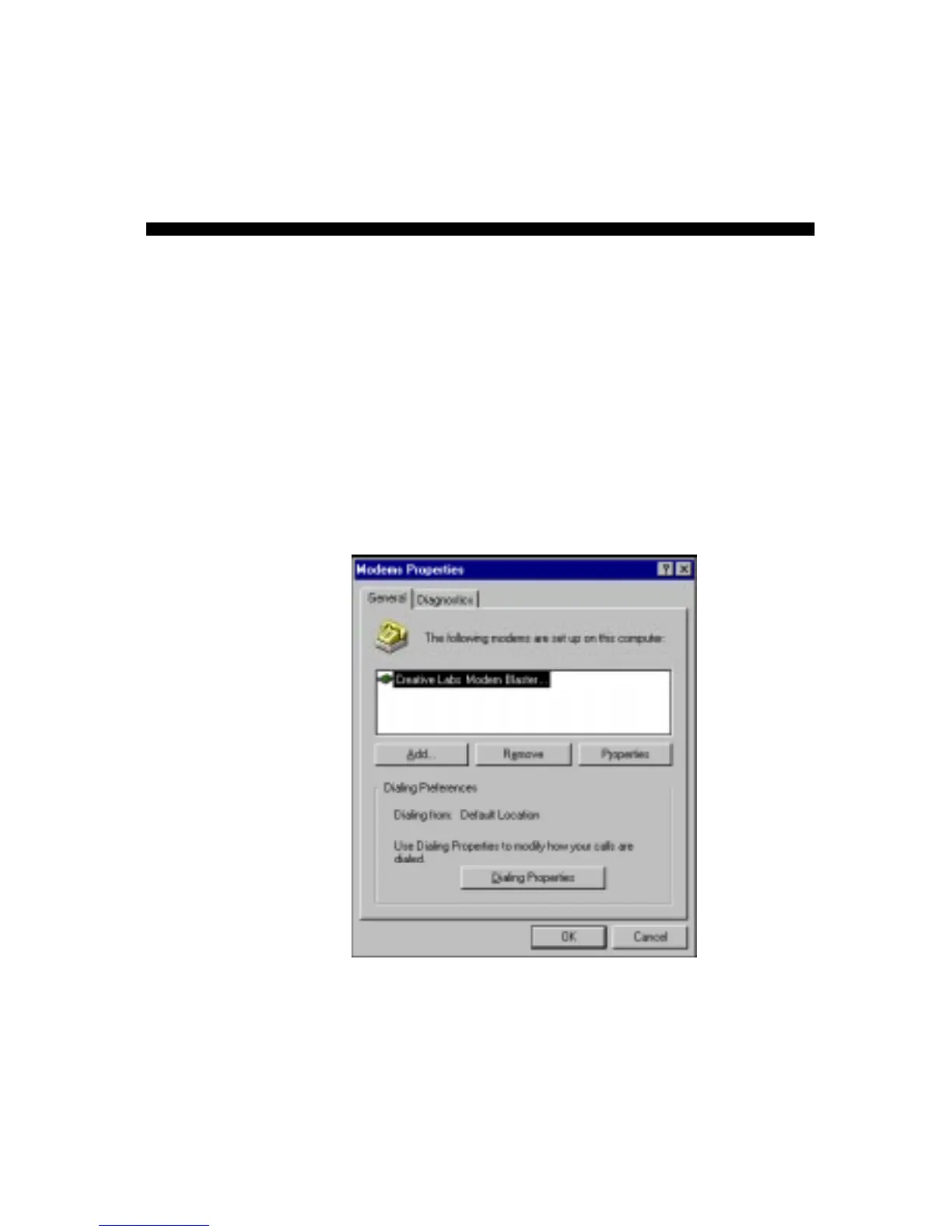
The Modems Properties dialog box similar to Figure 5-1
appears.
3. Select the modem, click the Remove button, then Close.
4. Exit from Windows.
5. Switch off your system and remove the modem card from your
system.













 To Next Page