vii
Document Conventions
This guide follows certain conventions to help you locate and identify
the information that you need. These conventions are described in the
following sections:
❑ Text Conventions
❑ Icons
Text Conventions
The following text conventions are used to help distinguish elements
of the text in this guide (see Table i).
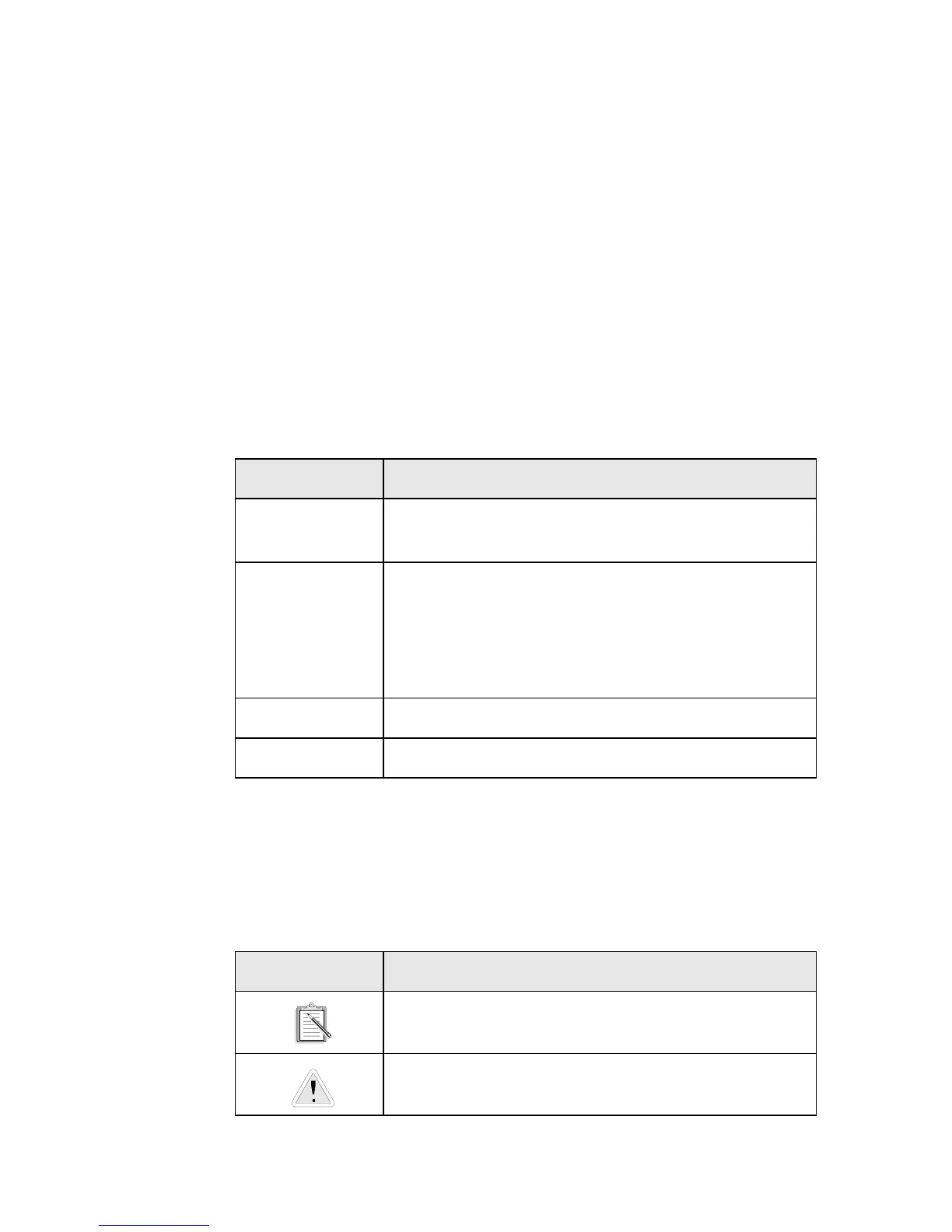
Icons
In this guide, icons are used to highlight areas of text that require your
attention (see Table ii).
Table i: Text Conventions.
Text Element Use
bold
Command names, switches, and any text that
must be entered exactly as it appears.
italics
Title of a book. When presented at the DOS
command line, it is a placeholder that represents
information you must provide. This information
usually appears in the parameter listing after the
command is presented.
UPPERCASE Directory name, file name, or acronym.
< > Symbols, letters, and key names on the keyboard.
Table ii: Icons.
Icon Use
A note or tip.
A caution or warning.













 To Next Page