Setting Up the Modem 2-1
2
Setting Up the Modem
This chapter guides you through the process of installing your modem.
It is organized as follows:
❑
Installing the Modem
❑
Connecting Telephone Line and Phoneset
Installing the Modem
Installing the modem card in your system is simple. Follow the
instructions carefully.
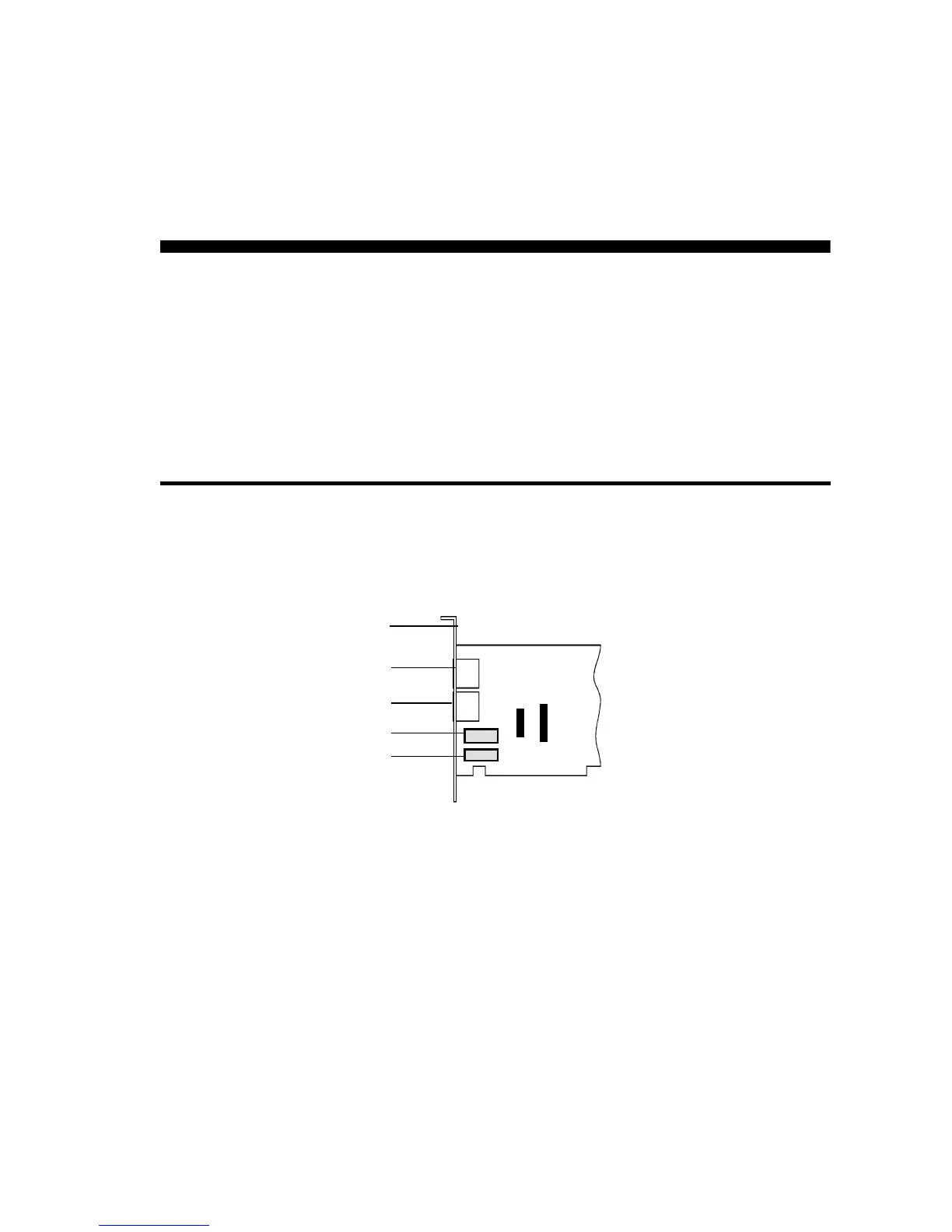
Telephone Line jack
Phone jack
Rear panel
Mic
Speaker
Figure 2-1: Modem Jumpers
(JP5 and JP4 only on those models that
support TAD and Sound Blaster Connector)
JP4
SB
JP5
TAD













 To Next Page