Connectors and Settings 4-1
4
Connectors and Settings
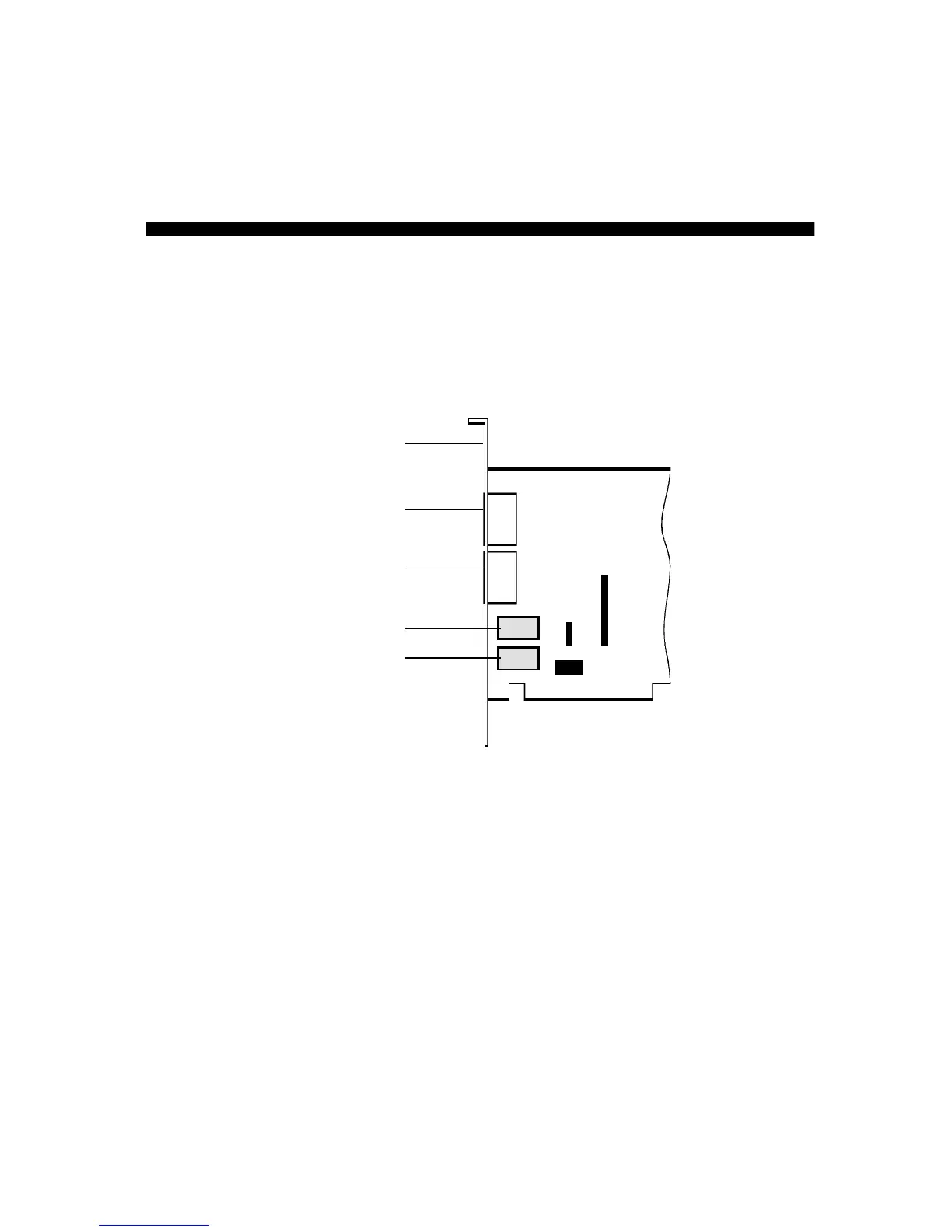
This chapter provides information on your modem card connectors
and jumpers.
JP4 SB (Sound Blaster) connector (found only on those models
that support Sound Blaster Interface):
This connector is used to
connect the modem directly to a Sound Blaster card. Sound Blaster is
the most popular and highest performance PC sound card in the
industry. By connecting the modem directly to a Sound Blaster card,
you will enjoy the highest performance and quality sound experience
when connected to the internet or other users. Simply use a 10 pin
cable to connect directly to your Sound Blaster card.













 To Next Page