3-2 Installing Software in Windows 95/98
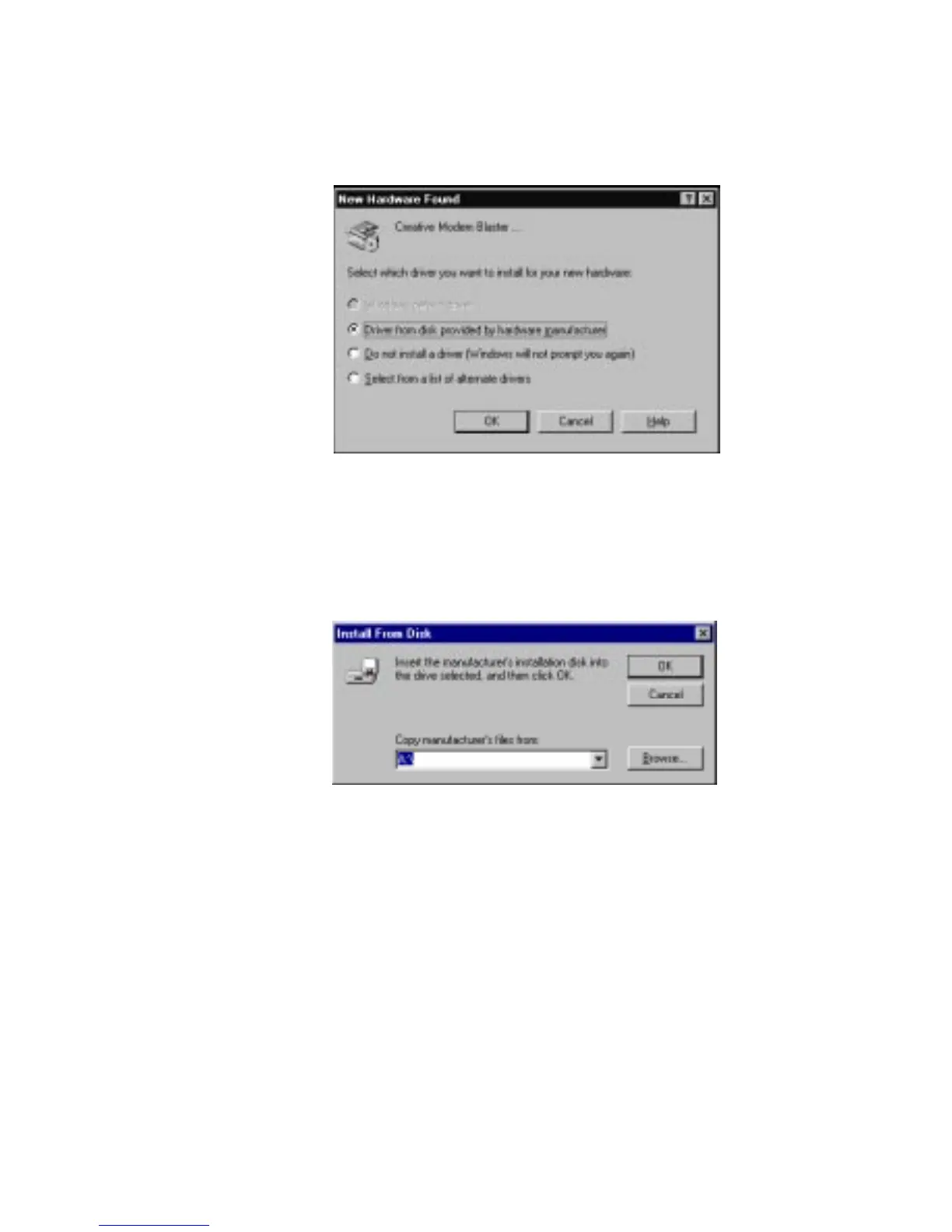
4. When the modem interface on your card is detected,
a dialog box similar to the one in Figure 3-1 appears.
5. Select Driver From Disk Provided By Hardware Manufacturer
and click the OK button.
The Install From Disk dialog box similar to Figure 3-2 appears.
6. Insert the Modem Blaster Installation CD or Diskette.
7. Type or click the Browse button and point to the drive
containing the CD or Diskette.
For example, if the CD or Diskette is in drive D, type D: and
click the OK button.
8. Follow the instructions on the screen to complete the
installation.













 To Next Page