Description: SCUBA Depth Alarm
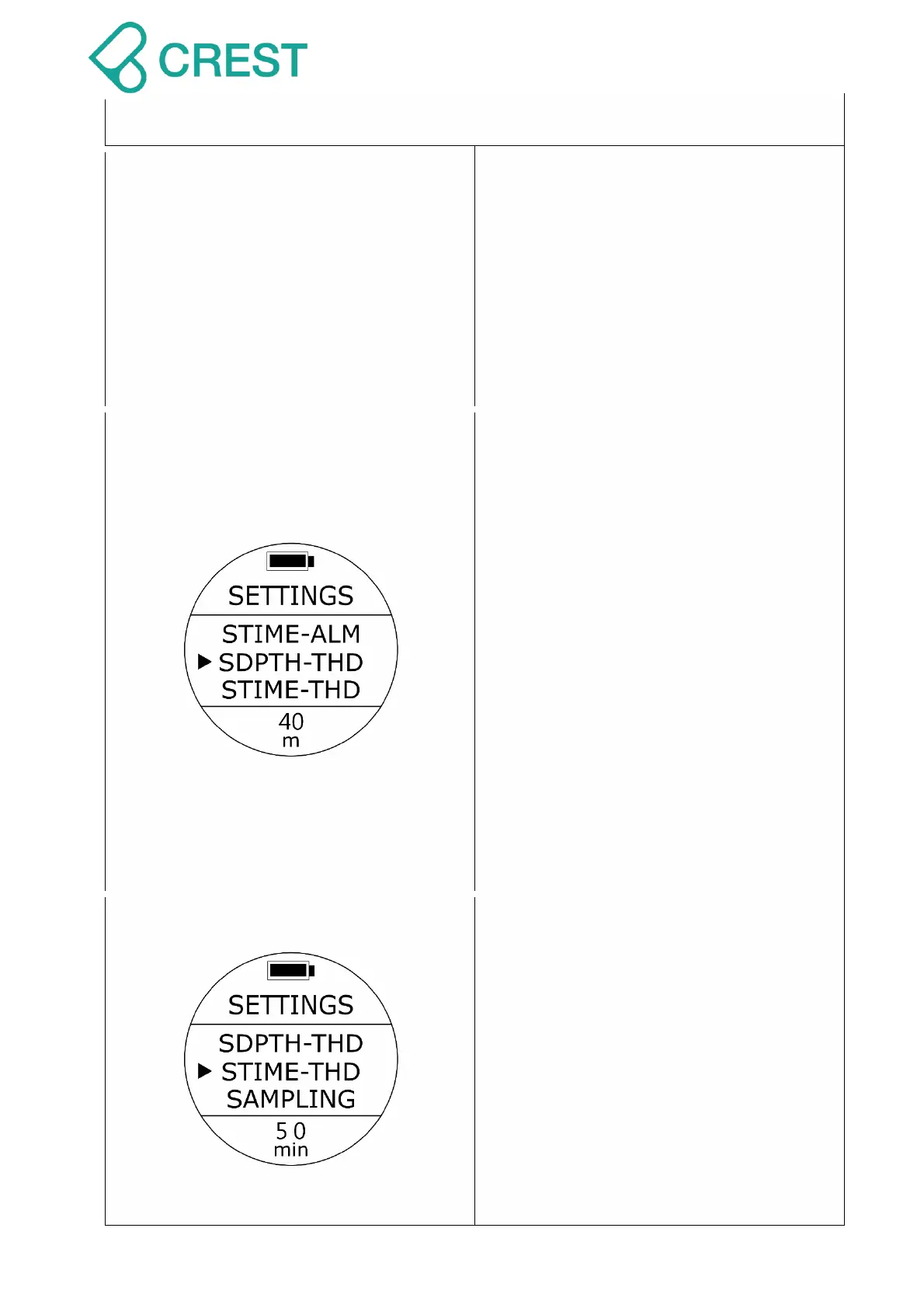
Setting (SDPTH-THD)
To Access: Under Scuba Preview Mode,
press UP Button Or from SETTINGS,
press UP Button / DOWN Button to locate
the cursor at SDPTH-THD and then press
MODE Button to select.
One of the depth options will be blinking at
the bottom. Press the Up or Down buttons
to select other options as needed. Press
MODE Button to accept your selection.
During a dive, when you reach the
selected depth, alarm warning will
activate: long beeping repeated two
times with vibration.
Default: 40 m (131 ft.)
Setup range:
0 m (32 ft.) – 99 m (324 ft.)
Description: SCUBA Dive Time Alarm
Setting (STIME-THD)
To Access: Under Scuba Preview Mode,
press UP Button Or from SETTINGS,
press UP Button / DOWN Button to locate
the cursor at STIME-THD and then press
MODE Button to select.
One of the time options will be blinking at
the bottom. Press the Up or Down buttons
to select other options as needed. Press
the MODE button to accept your selection.
During a dive, when you reach the
selected dive time, alarm warning will



 To Next Page