Setup range: 5 levels of brightness
(from the darkest to the brightest)
1 2, 3, 4, and 5.
Note:
Higher brightness settings will
consume more battery power and will
affect the running time of dive
computer.
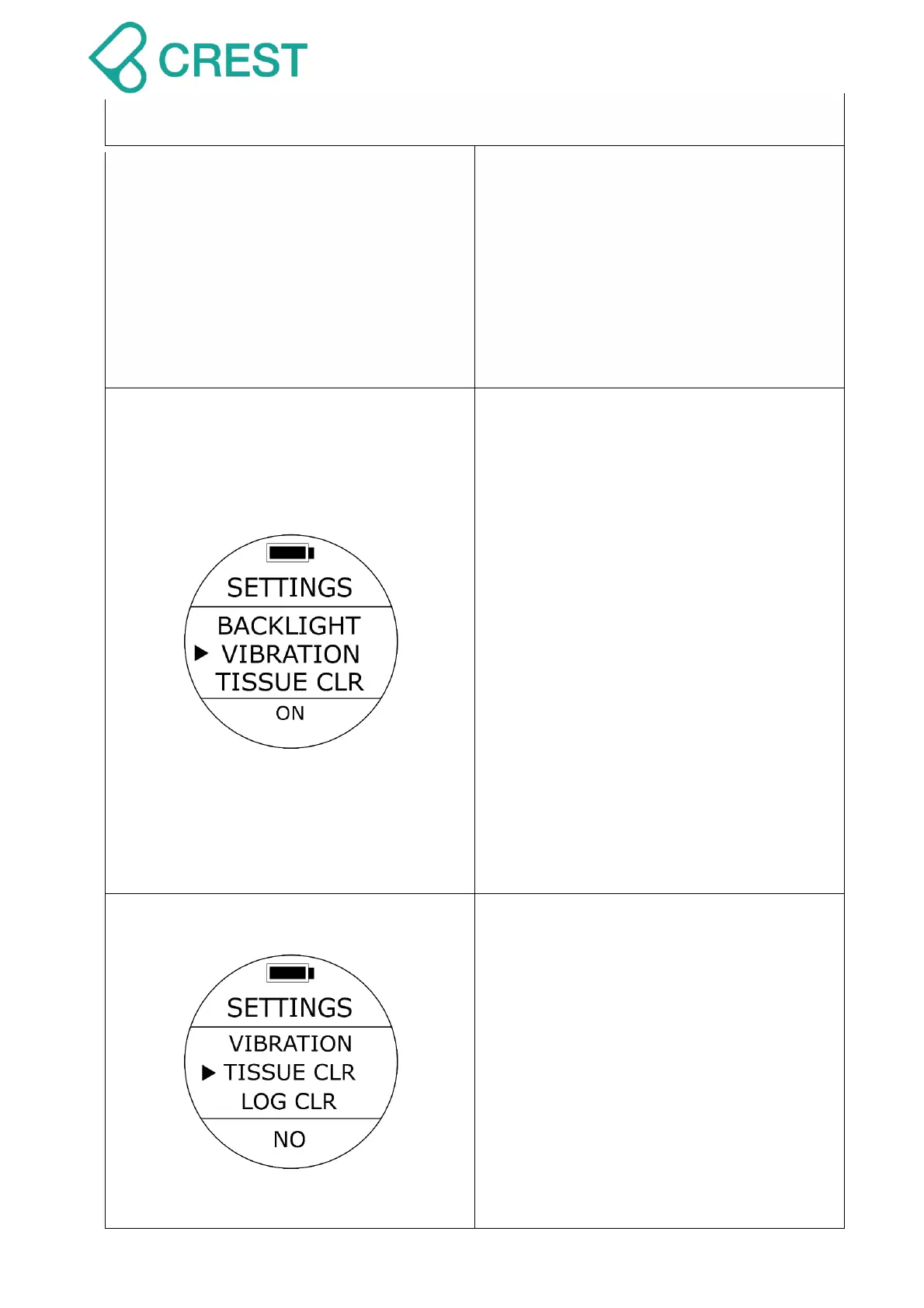
Description: Vibration setting
(VIBRATION)
To Access: From SETTINGS, press the
UP Button / DOWN Button until the cursor
aligns with VIBRATION. Press MODE
Button once.
One of the VIBRATION options will be
blinking at the bottom. Press UP Button /
DOWN Button to select other options as
needed. Press MODE Button to accept
your selection.
Default: ON
Setup range: ON / OFF
Note:
Changing this setting only applies to
settings of Watch Mode.
Alarm Setting of diving mode will not be
affected.
Description: Clear residual nitrogen
calculation (TISSUE CLEAR)
To Access: From SETTINGS, press the
UP Button / DOWN Button until the cursor
aligns with TISSUE CLEAR. Press MODE
Button once.
One of the TISSUE CLEAR options will be
blinking at the bottom. Press UP Button /
DOWN Button to select other options as
needed. Press MODE Button to accept
your selection.
Default: NO



 To Next Page