calculation of previous dives
existing on this dive computer will
still be calculated.
3. Download your dive logs using our
application service before clearing
all dive logs is recommended.
Search “Dive Story” on APPLE STORE
and Google Pay Store for our application
service:
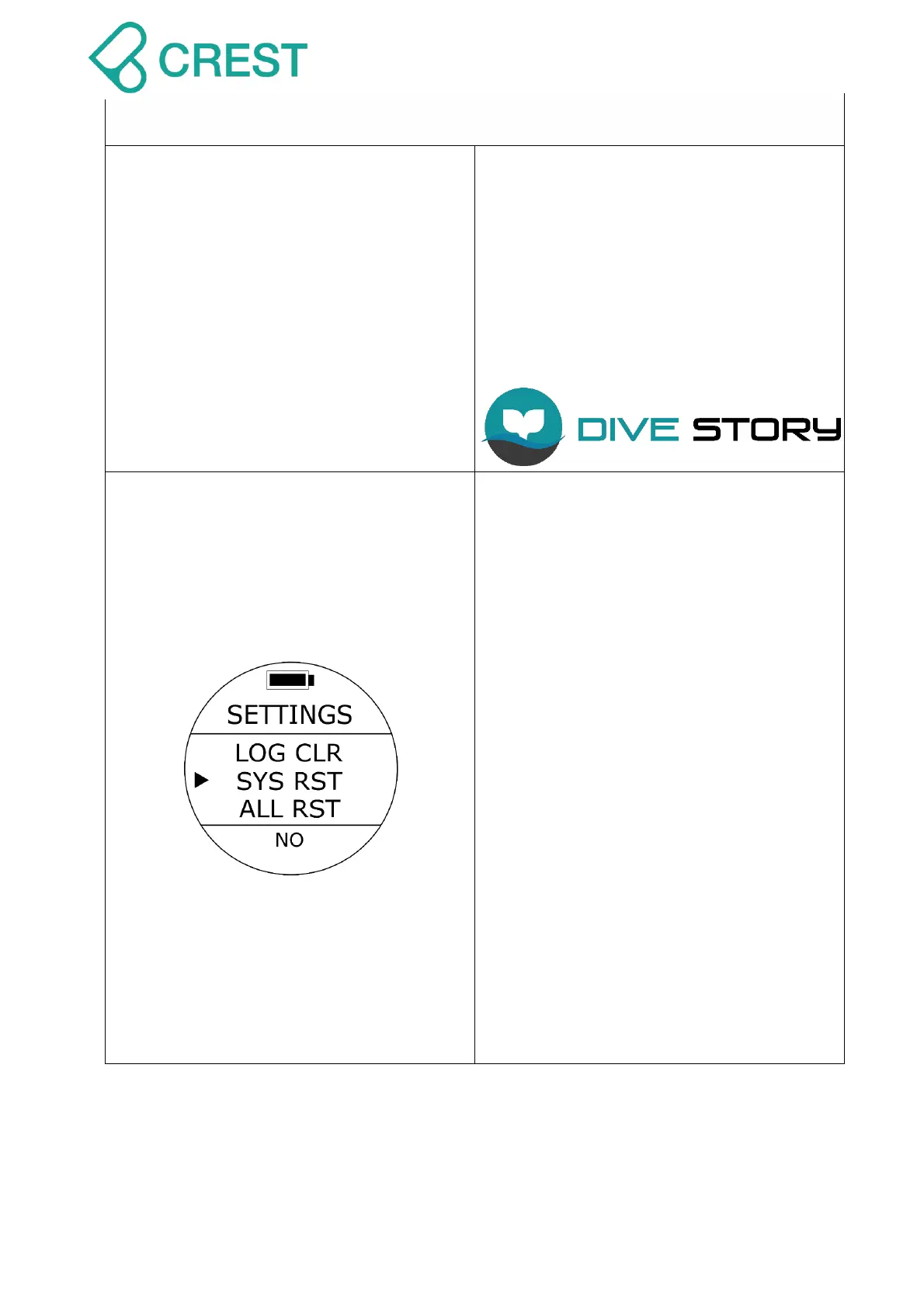
Description: Reset system (SYSTEM
REST)
To Access: From SETTINGS, press the
UP Button / DOWN Button until the cursor
aligns with SYS RST. Press MODE Button
once.
One of the SYS RST options will be
blinking at the bottom. Press UP Button /
DOWN Button to select other options as
needed. Press MODE Button to accept
your selection.
Default: NO
Setup range: YES / NO
Note:
1. By resetting system, all the custom
settings will be erased and all
settings will be reset as default.
2. Residual nitrogen calculations will
still be calculated and will NOT be
cleared and reset; Dive logs will NOT
be cleared and reset either.



 To Next Page