Crestron CHV-TSTAT and CHV-THSTAT Thermostats
Slab 2 – Single Stage Space Heat with Slab Maximum (Continued)
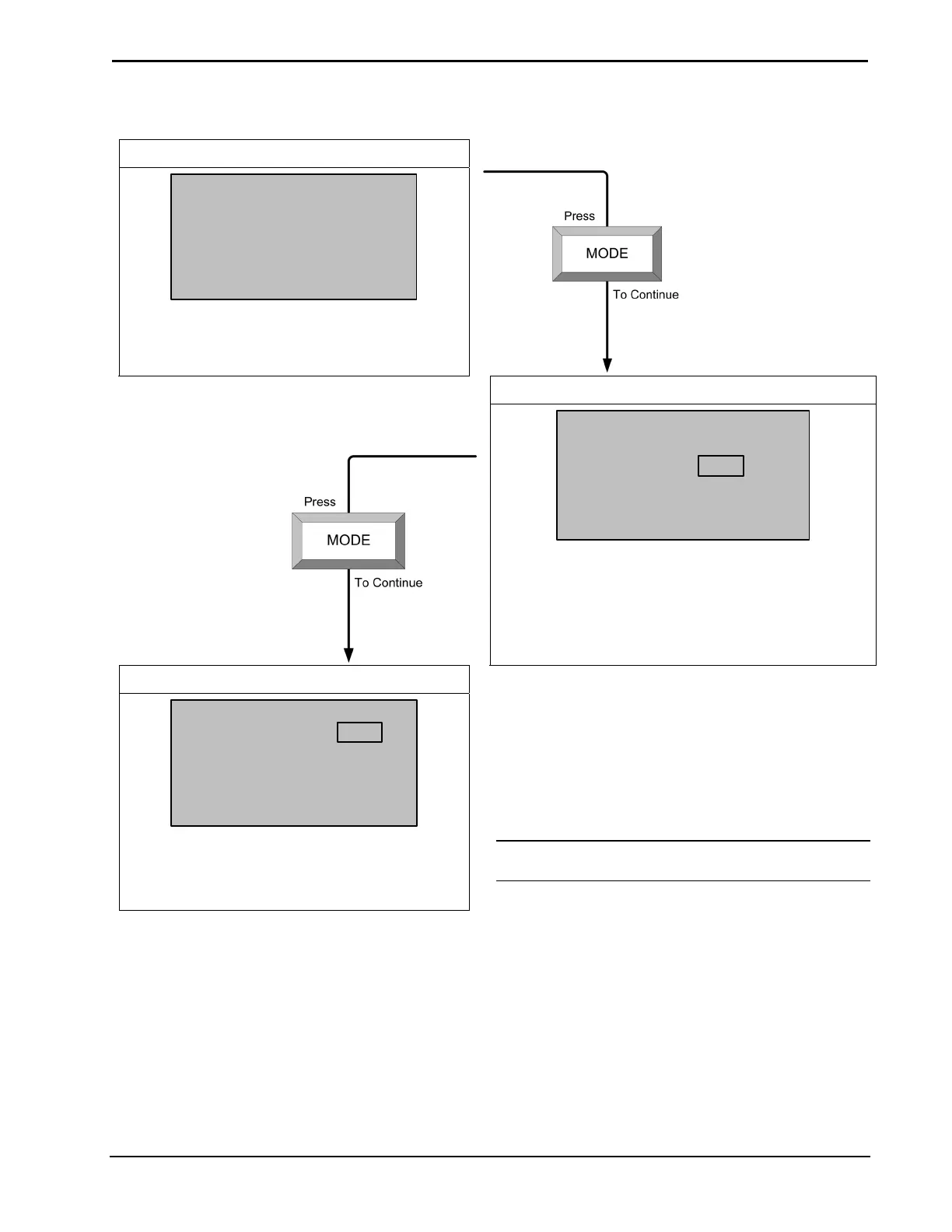
OTHER SETTINGS
SETUP: OTHER SETTINGS
NO APPLICABLE SETTINGS
SENSORS
SETUP: SENSORS
Sensor
Internal:
Remote 1:
Remote 2:
>TEMP HUM
USE OMIT
SLAB
DETECTED: 1 x T
Choose USE or OMIT (Built-in Sensors Only).
Choose USE, OMIT, OD, or SLAB (Remote
Sensors Only)
NOTE: Remote 1 and Remote 2 options do not
appear on this screen if these sensors are not
connected.
SERVICE/TEST
SETUP: SERVICE/TEST
Slab Heat Call:
Humidifier Call:
Fan Call:
OFF
OFF
OFF
NOTE: This screen bypasses all system
delays and is used by the installer to manually
operate the HVAC system. Only one system
can be run at a time.
Press MODE button to return to the first screen
Or
Press and hold the MODE and VIEW buttons
simultaneously for five seconds to exit Setup.
NOTE: You cannot exit if the sensor setup does not
meet system requirements.
Operations and Installation Guide – DOC. 8163C Thermostats: CHV-TSTAT and CHV-THSTAT • 39



 To Next Page