13
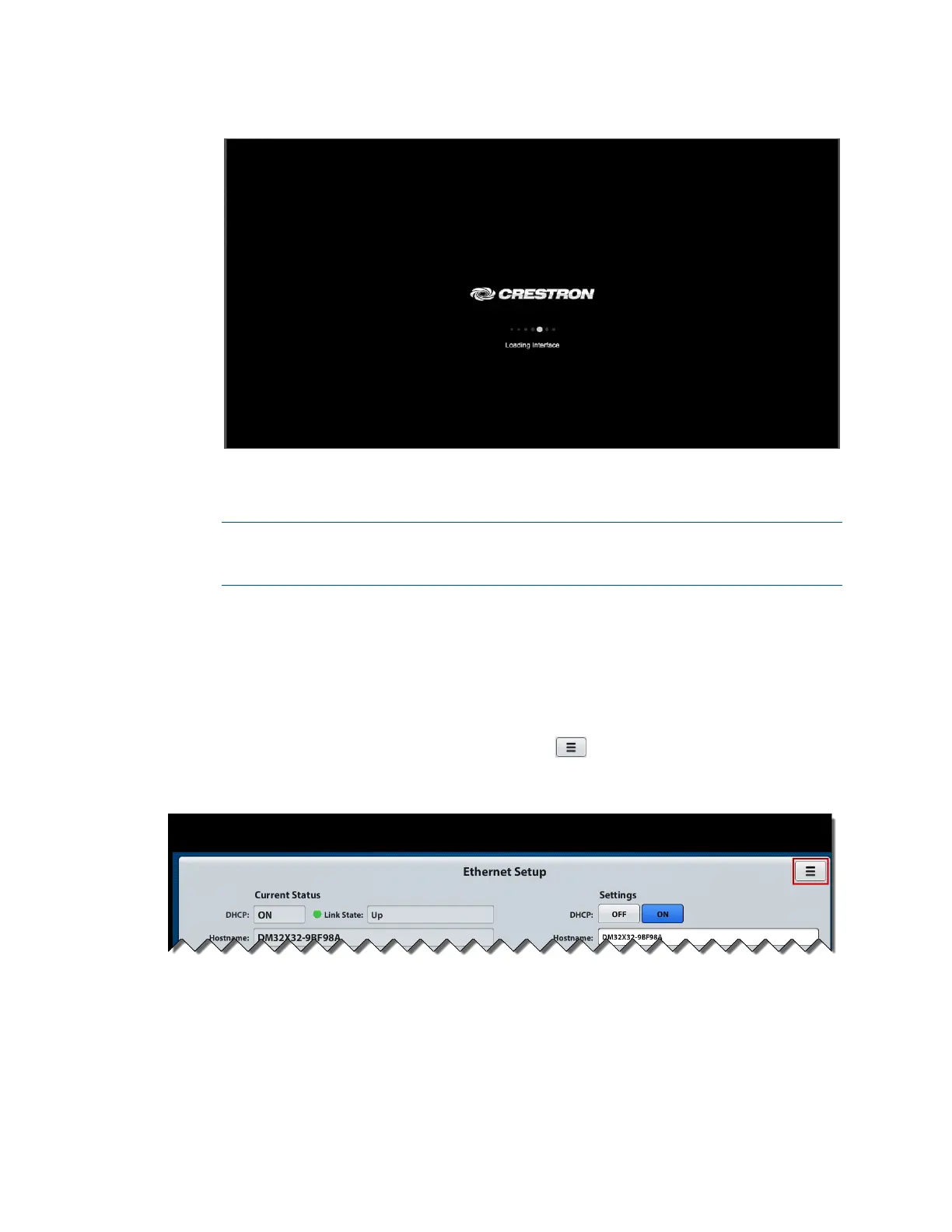
Crestron Splash Screen
When the web interface is accessed for the first time, the Ethernet Setup page
opens.
NOTE: After the initial Ethernet Setup settings have been accepted or the
settings have been changed and applied for the first time, the Main page opens
when the web interface is accessed.
For information about the Ethernet Setup page, refer to “View or Configure
Ethernet Settings” on page 15. For information about the Main page, refer to
“Route Inputs to Outputs” on page 23. For information about navigating the web
interface, refer to the following section.
Navigate the Web Interface
To navigate the web interface, click the menu icon ( ) in the upper-right corner of a
web page. The menu icon is shown below on the Ethernet Setup page.
Menu Icon (Ethernet Setup Page Shown)
The Selection Menu page opens.



 To Next Page
 Loading...










