37
Update Firmware Manually
Update firmware manually by using an FTP client or a USB flash drive. The following
sections provide instructions for each firmware update method.
Update Firmware Using an FTP Client
To update firmware using an FTP client:
1. If a USB flash drive is inserted into the USB port on the DMC-CPU3 card, remove
the flash drive.
2. Download the latest firmware file from the Crestron website to a computer.
The firmware file is named digitalmedia_
x.xx.xx
.puf (
x.xx.xx
represents the version
number), for example, digitalmedia_3.02.10.puf.
3. Using the FTP client, connect to the DM® switcher by entering the IP address of
the switcher.
4. Locate the FIRMWARE folder.
5. Upload the firmware file to the FIRMWARE folder.
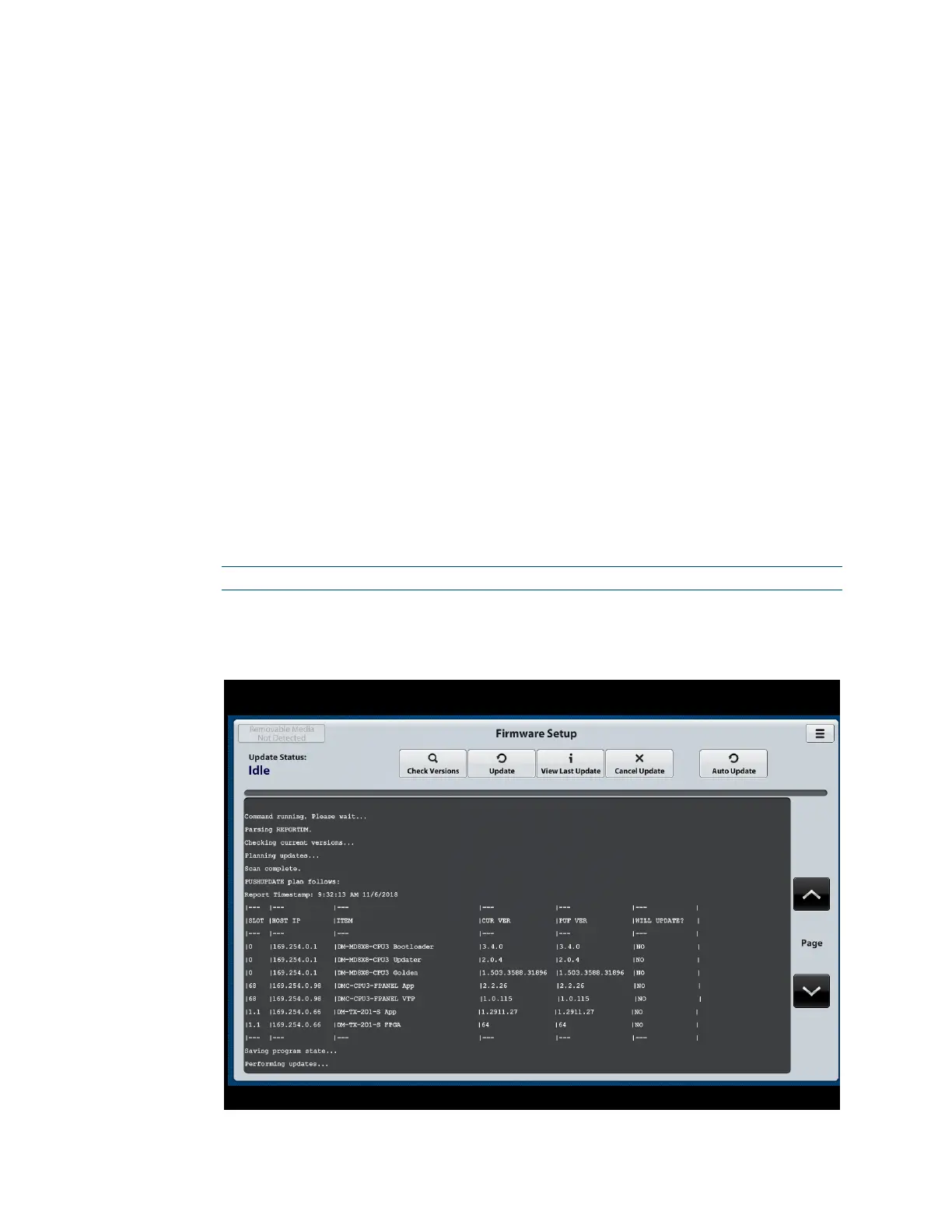
6. On the Firmware Setup page of the web interface, click the Update button.
The firmware update process begins.
NOTE: The update process can be canceled by clicking the Cancel Update button.
A list of DigitalMedia system components and corresponding information
appears.
Sample Firmware Setup Page – Update Using FTP Client



 To Next Page
 Loading...










