39
To view the entire contents of the page, use the up ( ) and down ( ) buttons
on the right side of the page.
Update Firmware Automatically
Automatic firmware update can be enabled or disabled. To update firmware
automatically:
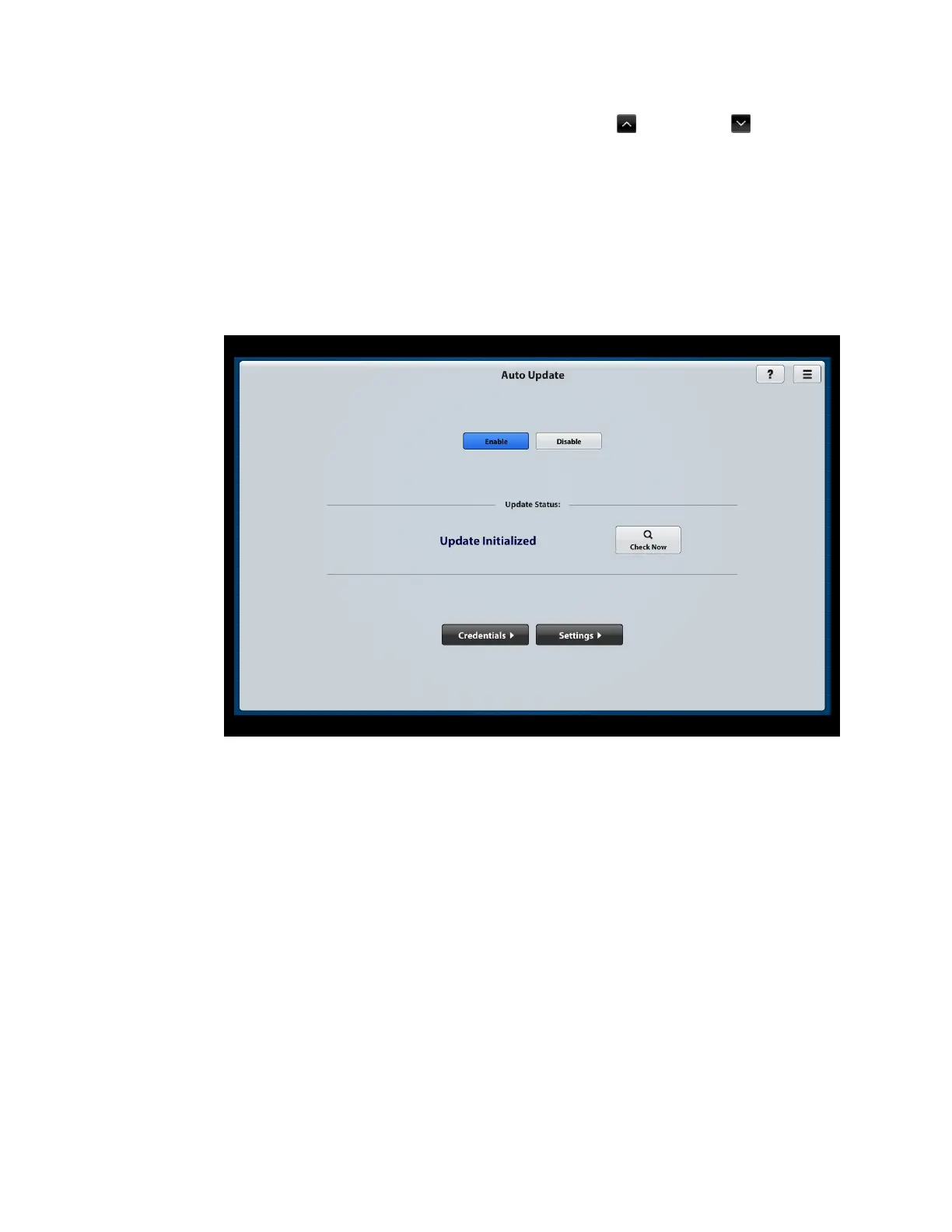
1. On the Firmware Setup page, click the Auto Update button. The Auto Update
page opens.
Auto Update Page
2. Click the Enable button if it is not already selected. (By default, the Enable
button is selected.)
3. Continue with the following sections to set Auto Update credentials and Auto
Update settings.



 To Next Page
 Loading...










